01 · Setup
Hull straight from Rhino
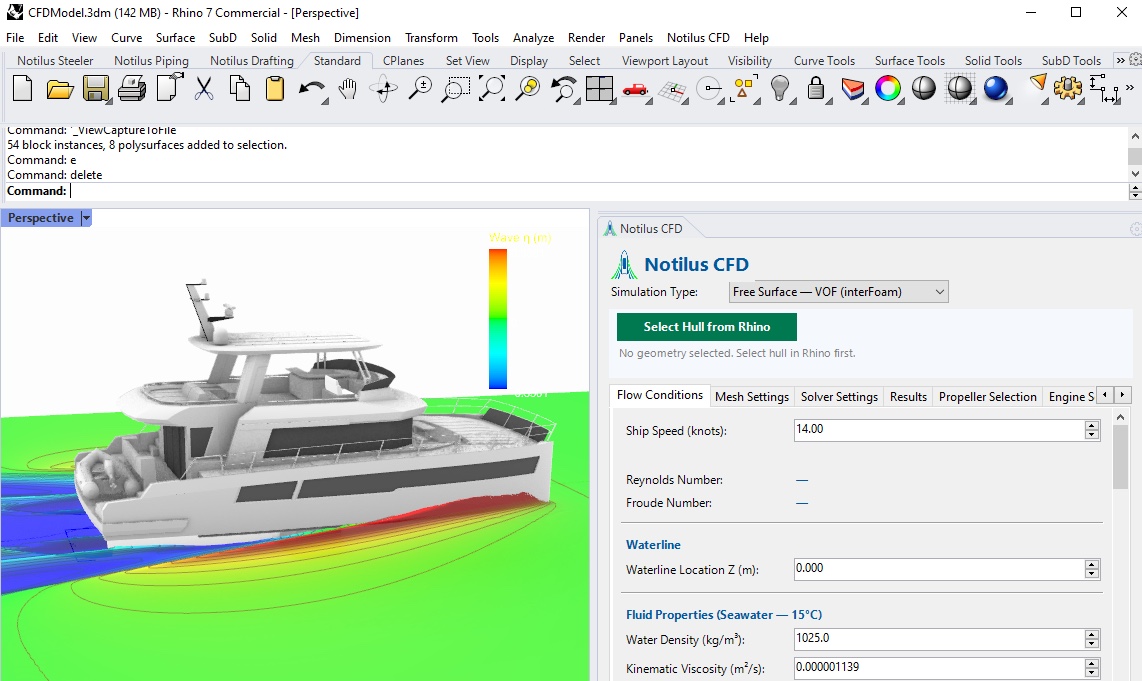
Pick the hull surface, give it a draft and a speed range, and get results for the hull you actually designed.
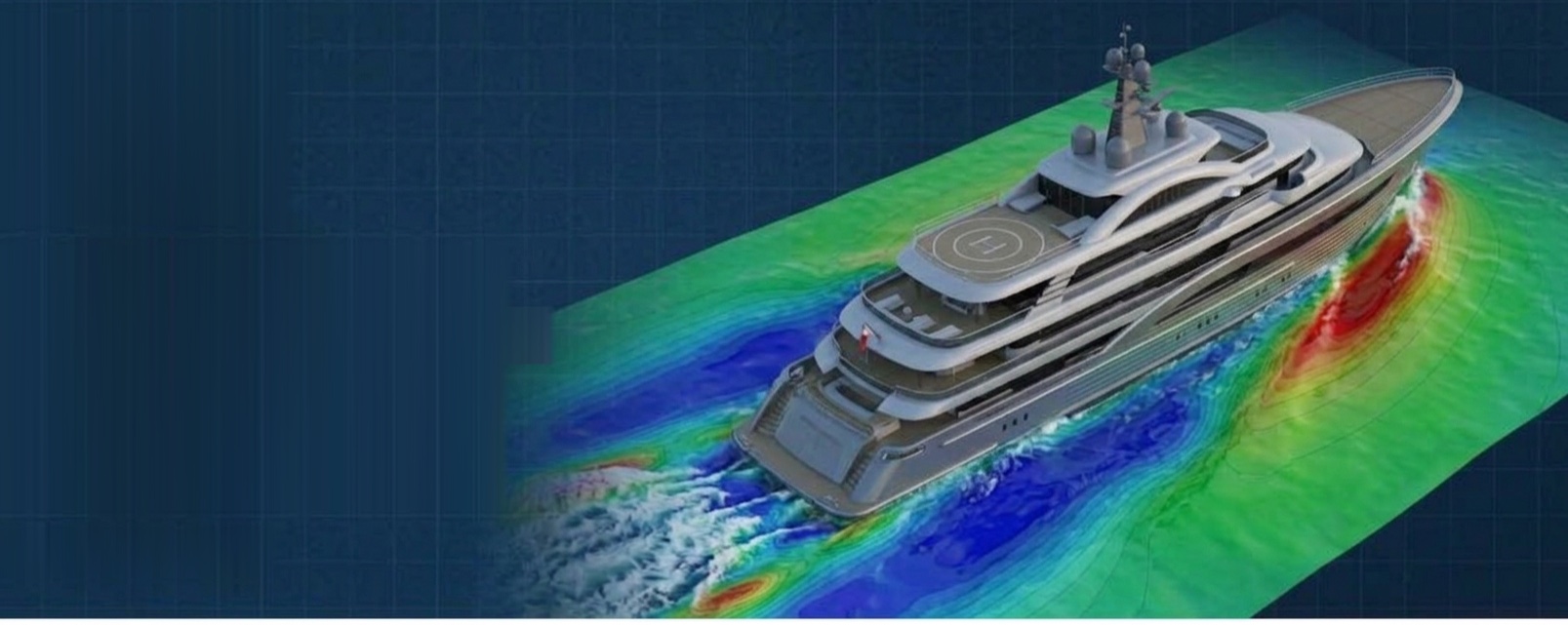
Resistance curves, wave patterns, hull pressure maps, running trim and a first propeller match — every result delivered on your own hull model, inside Rhinoceros.
Pick the hull surface, give it a draft and a speed range, and get results for the hull you actually designed.
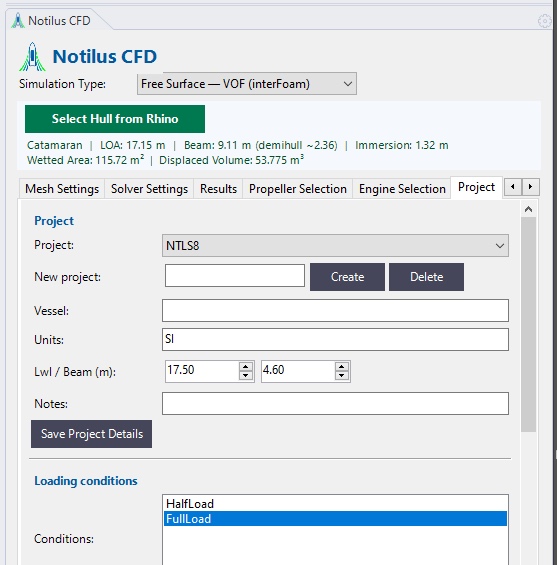
Vessel, units, main dimensions, notes and loading conditions are saved with the project, so every run starts from the same data — half load and full load side by side.
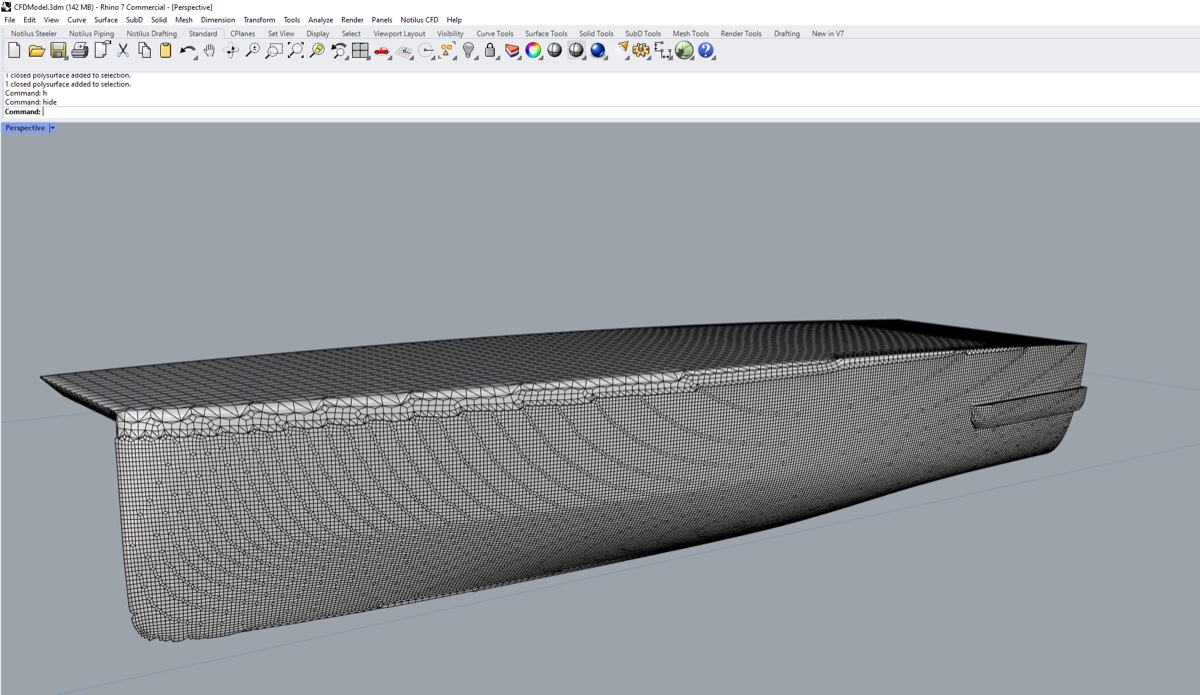
Tight chines, spray rails and hard flare are captured as drawn, so every number reflects the real shape of the hull.
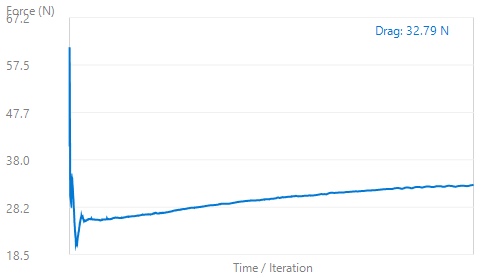
Pressure and friction force histories plotted while the run is still going, so you can tell a converged answer from a wandering one at a glance.
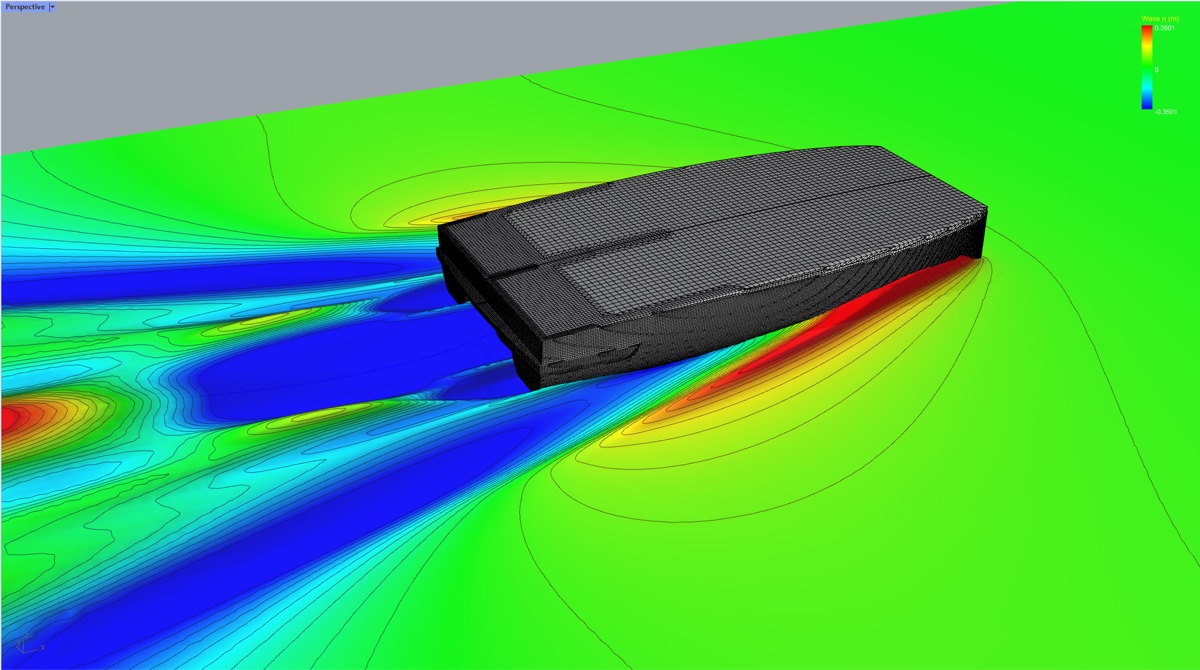
Free-surface elevation and the Kelvin wake shown in Rhino as a mesh you can rotate, section and put in a client presentation.
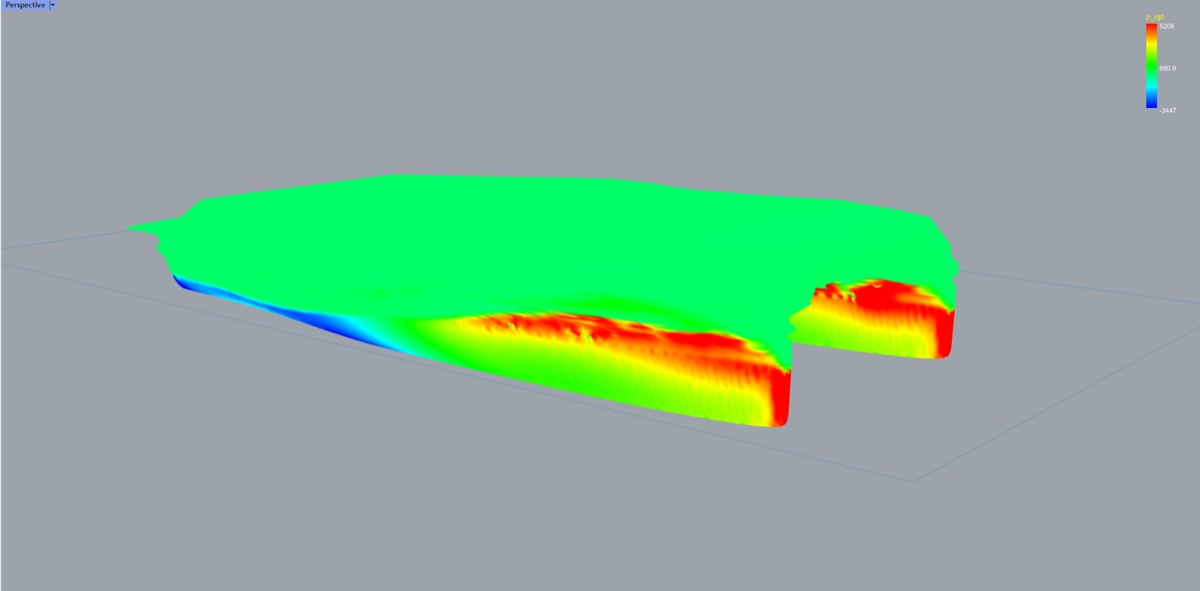
Pressure distribution baked onto the hull surface. Spot stagnation at the stem, separation behind a hard chine, and where the shape is fighting the water.
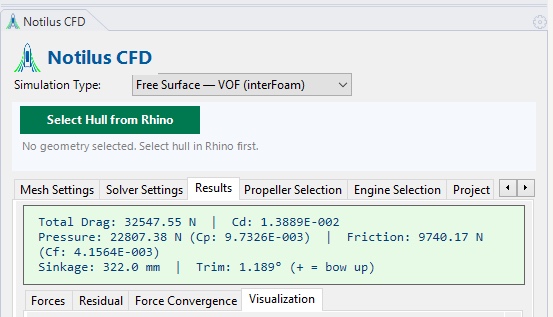
Running trim and sinkage at every speed — an indication of how the hull will actually sit under way.
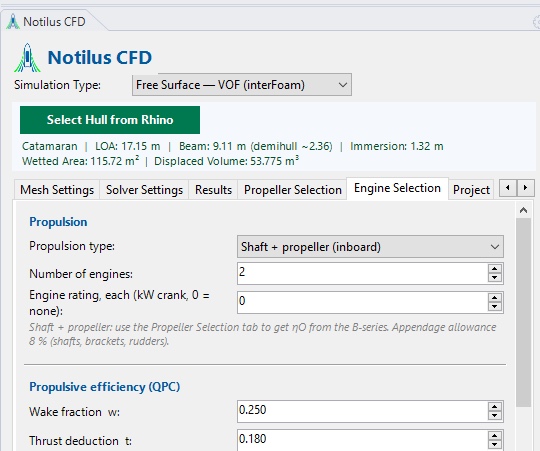
Carries the resistance through to a delivered-power figure for your installation — propulsion type, number of engines and rating, with wake fraction and thrust deduction setting the propulsive efficiency.
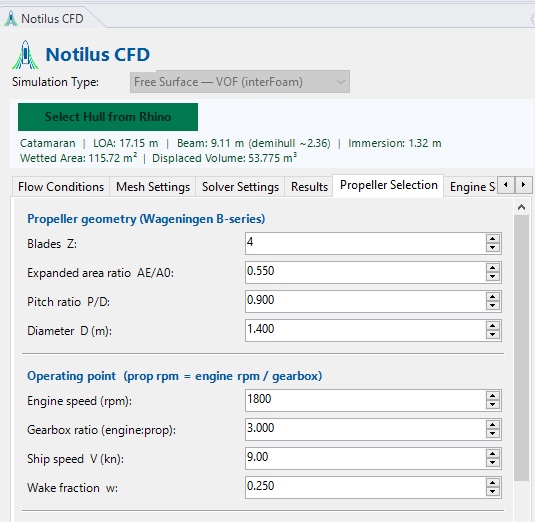
A Holtrop-Mennen estimate sits beside every run, and Wageningen B-series open-water curves turn the resistance number into a first propeller pick.
8.4 m planing boat at 33 knots, free running: the hull rises and trims bow-up as the run develops, with the wave height above still water in colour and a plan view below.
Notilus CFD simulated an 8.4 m outboard-powered planing boat at 33 knots, at full scale and free to rise and trim. The boat lifted 0.32 m and trimmed 3.9° bow up from rest, with 8.2 kN total resistance. That needs 310–375 hp at the engine — and on sea trials the boat reached 33 knots at full throttle with a 350 hp outboard.
Read the case study →Tell us about the vessel and what you need from the CFD runs — the engineering team replies within one working day.
Notilus CFD is part of an end-to-end marine engineering toolset. These plug-ins pick up the hull once its hydrodynamics are settled.