01 · Library
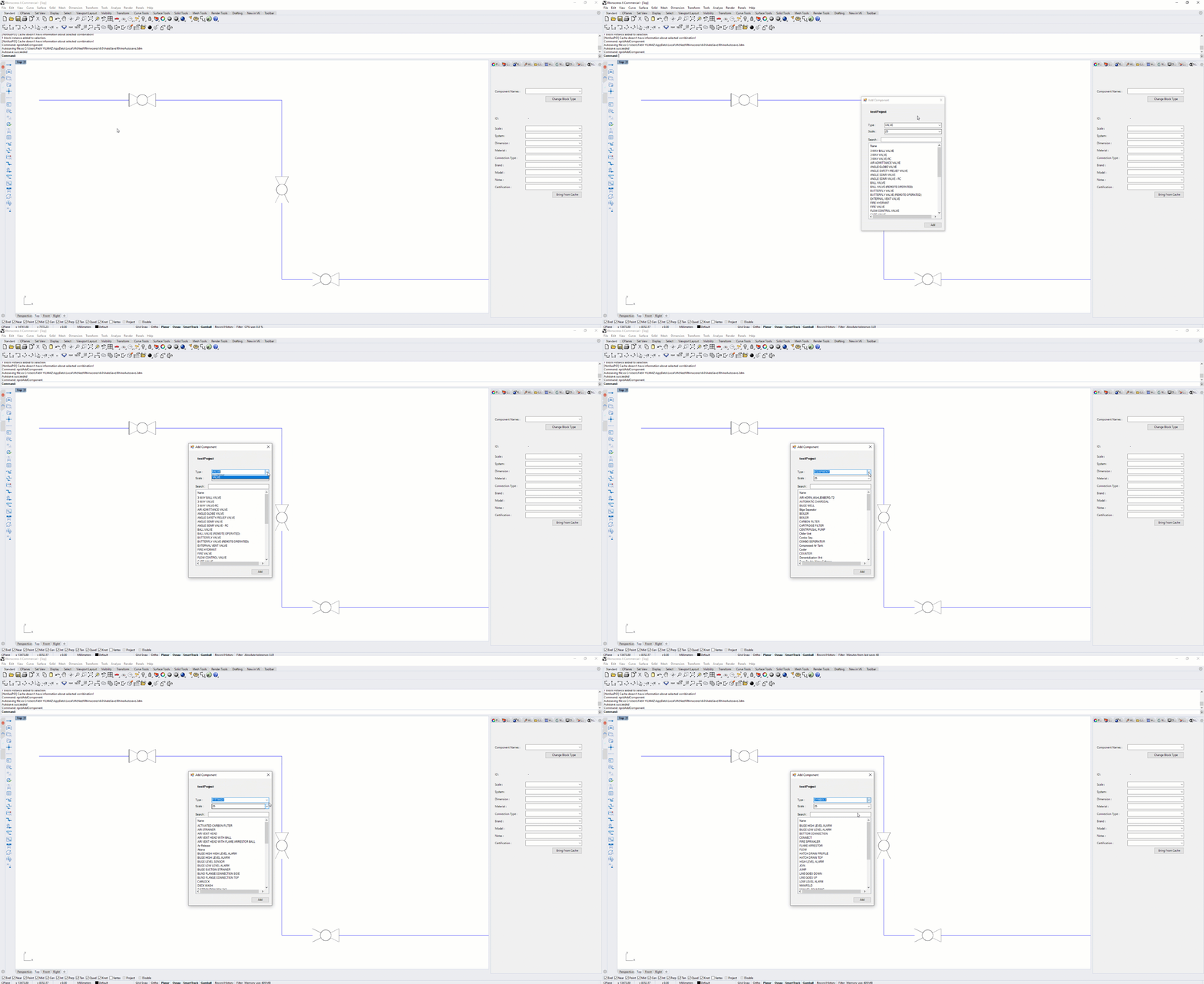
Symbol library
Browse and place industry-standard P&ID symbols directly onto the diagram canvas — valves, sensors, instruments and more at a click.
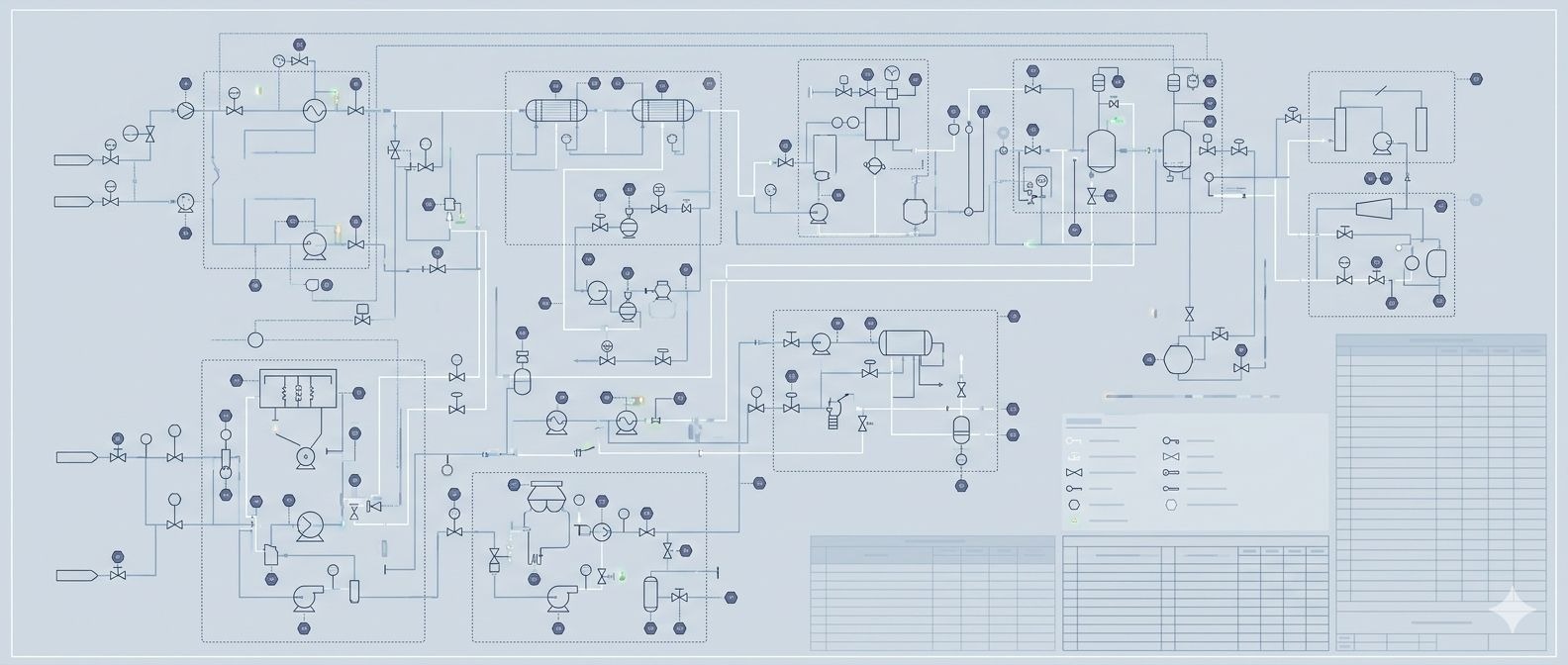
Symbol libraries, auto-legends, BOM export and revision management — all linked to your live 3D model data.
Browse and place industry-standard P&ID symbols directly onto the diagram canvas — valves, sensors, instruments and more at a click.
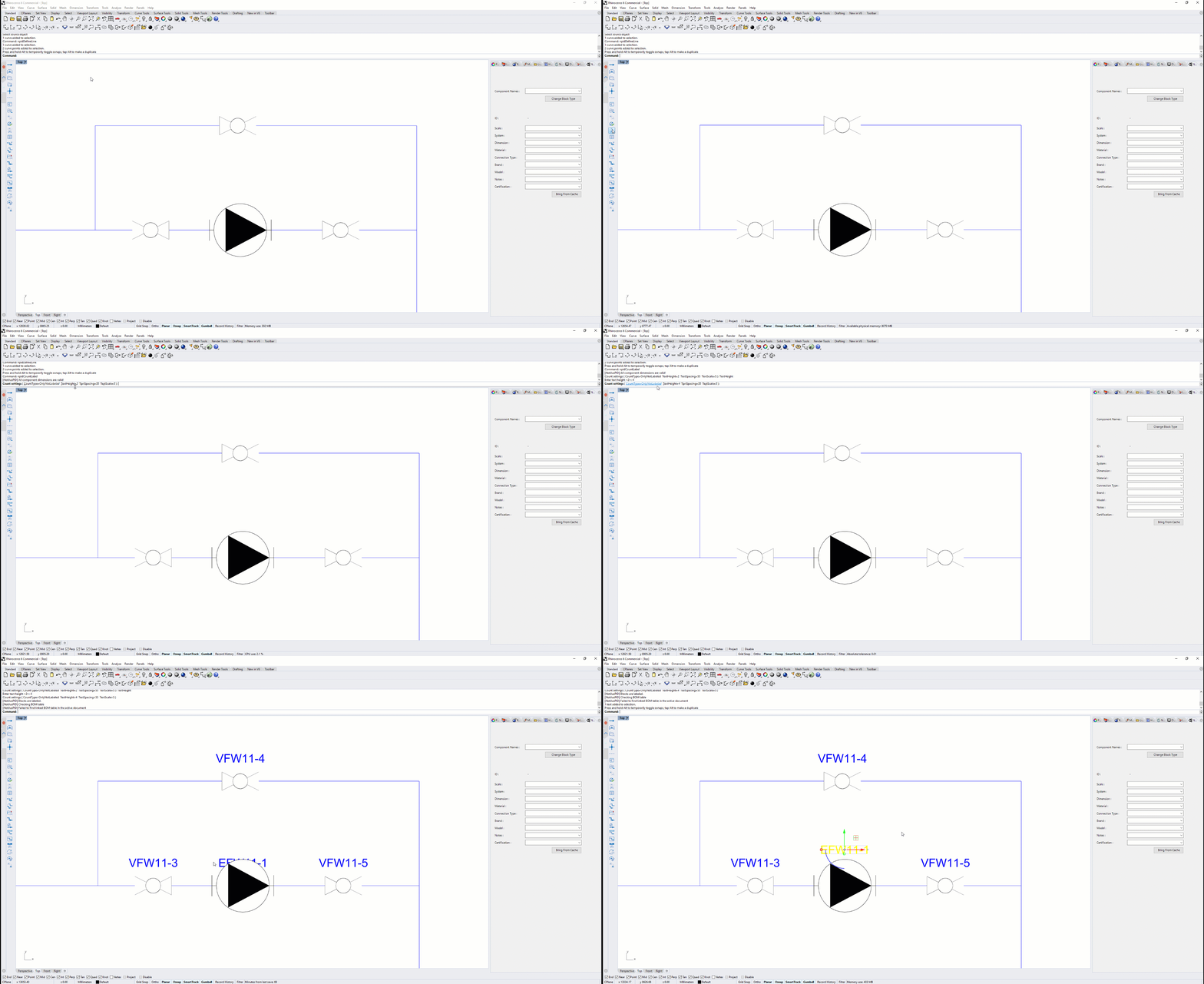
Automatically tally every symbol instance on the sheet — quantities stay accurate as the diagram evolves, without manual counting.
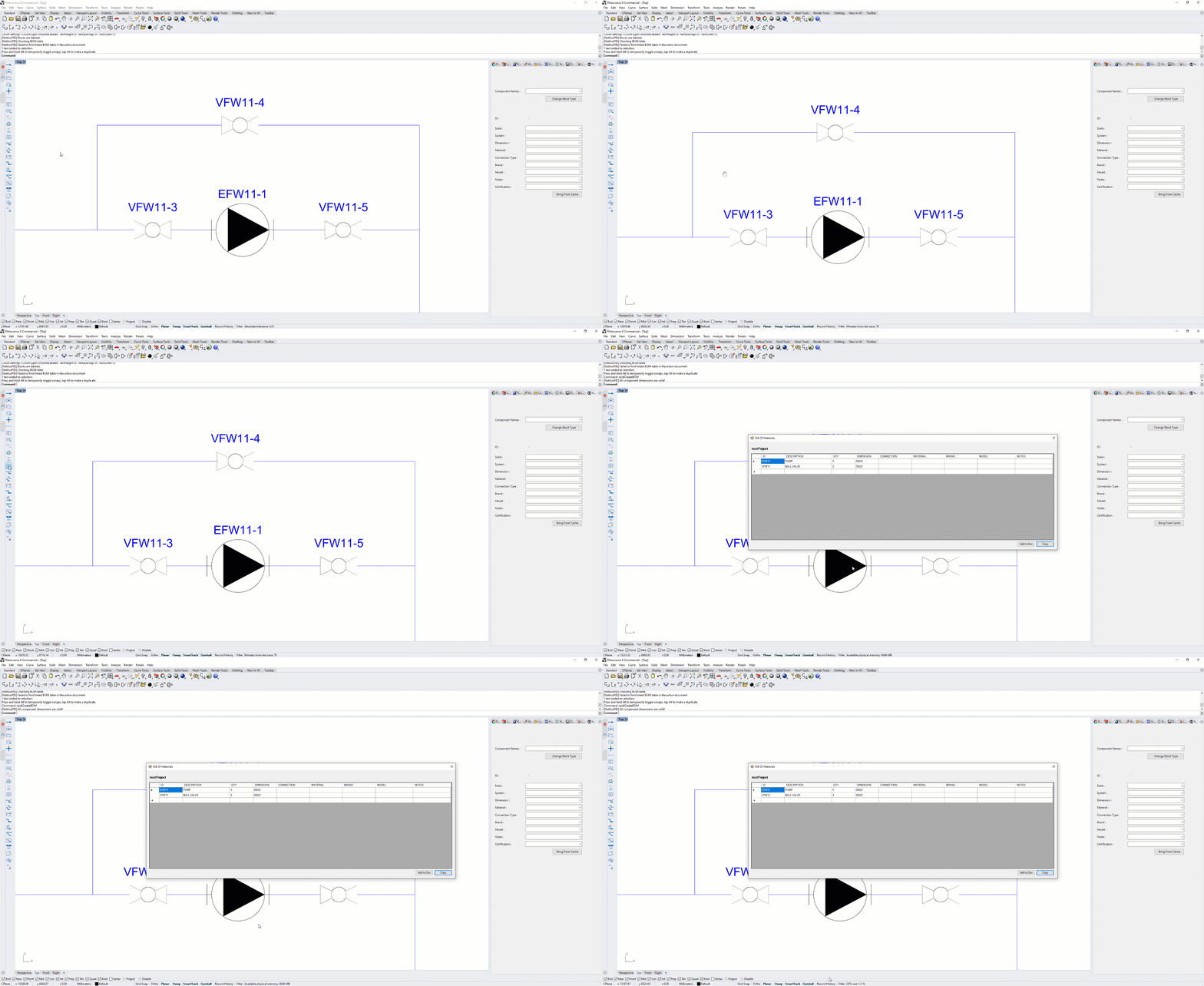
Generate a live bill of materials from the diagram data — tag numbers, descriptions and quantities exported directly from the model.
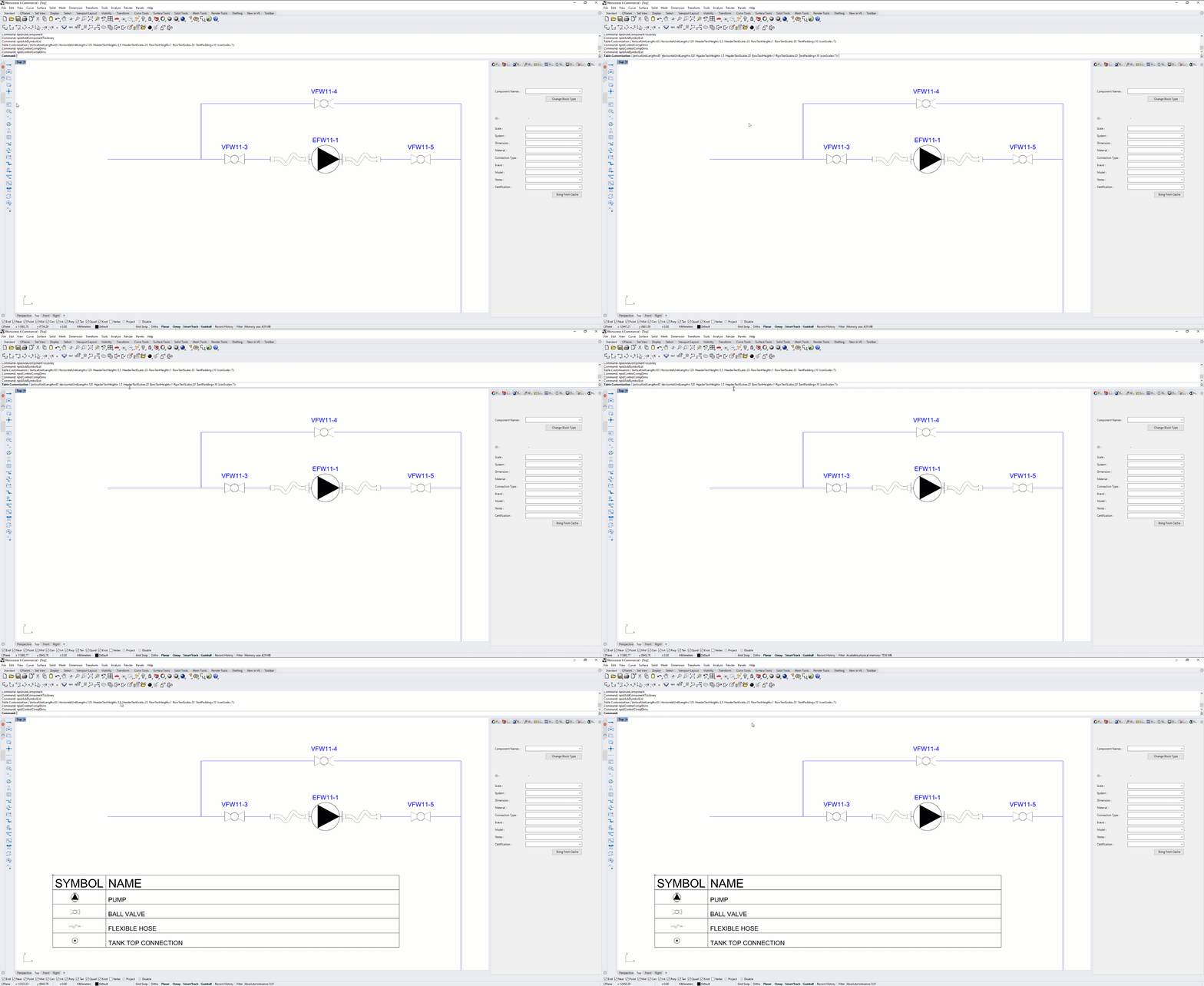
Insert auto-populated legend blocks showing every symbol used on the sheet — always in sync with diagram content.
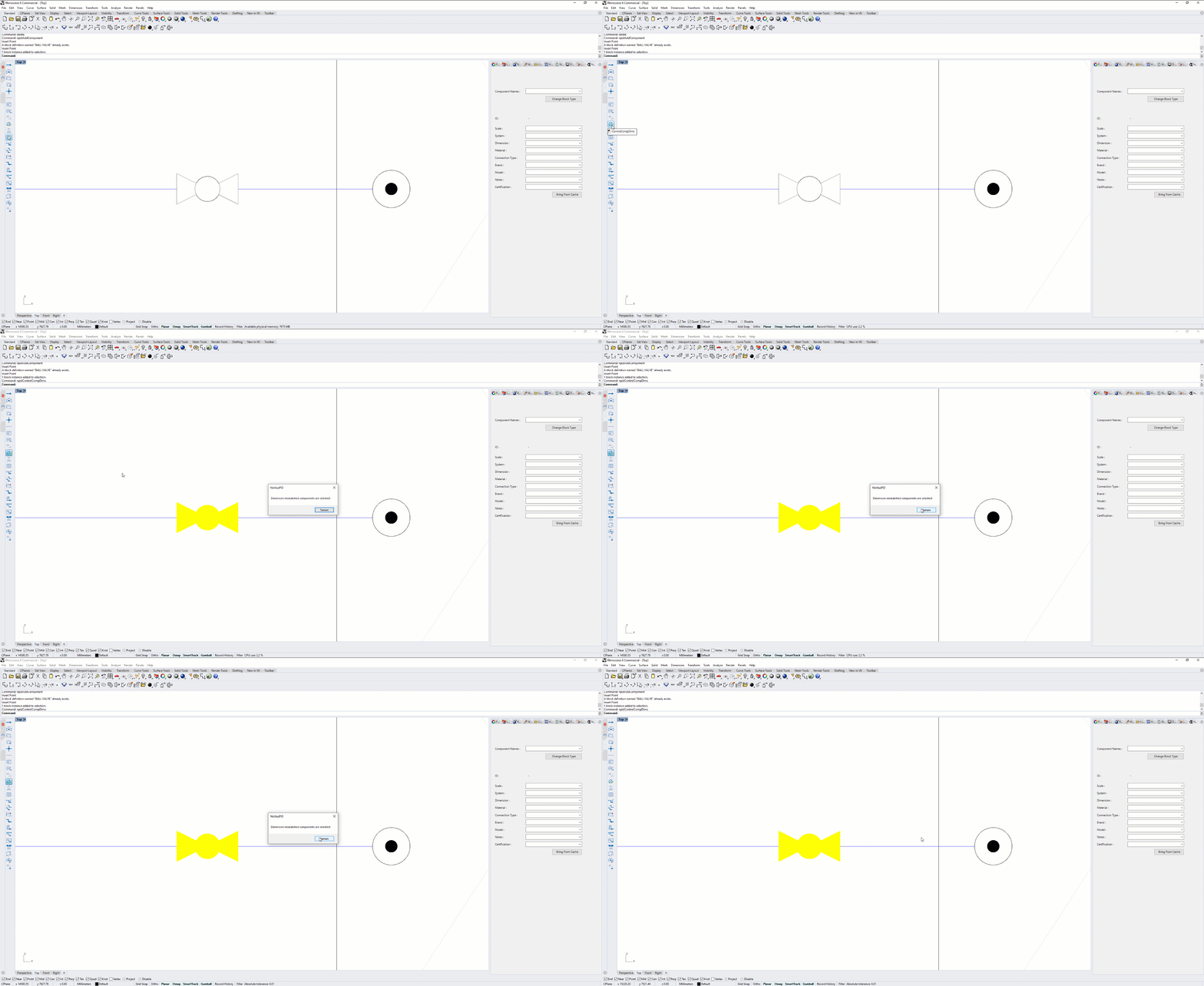
Validate pipe and instrument dimensions against the 3D model data — flag discrepancies before the drawing is issued.
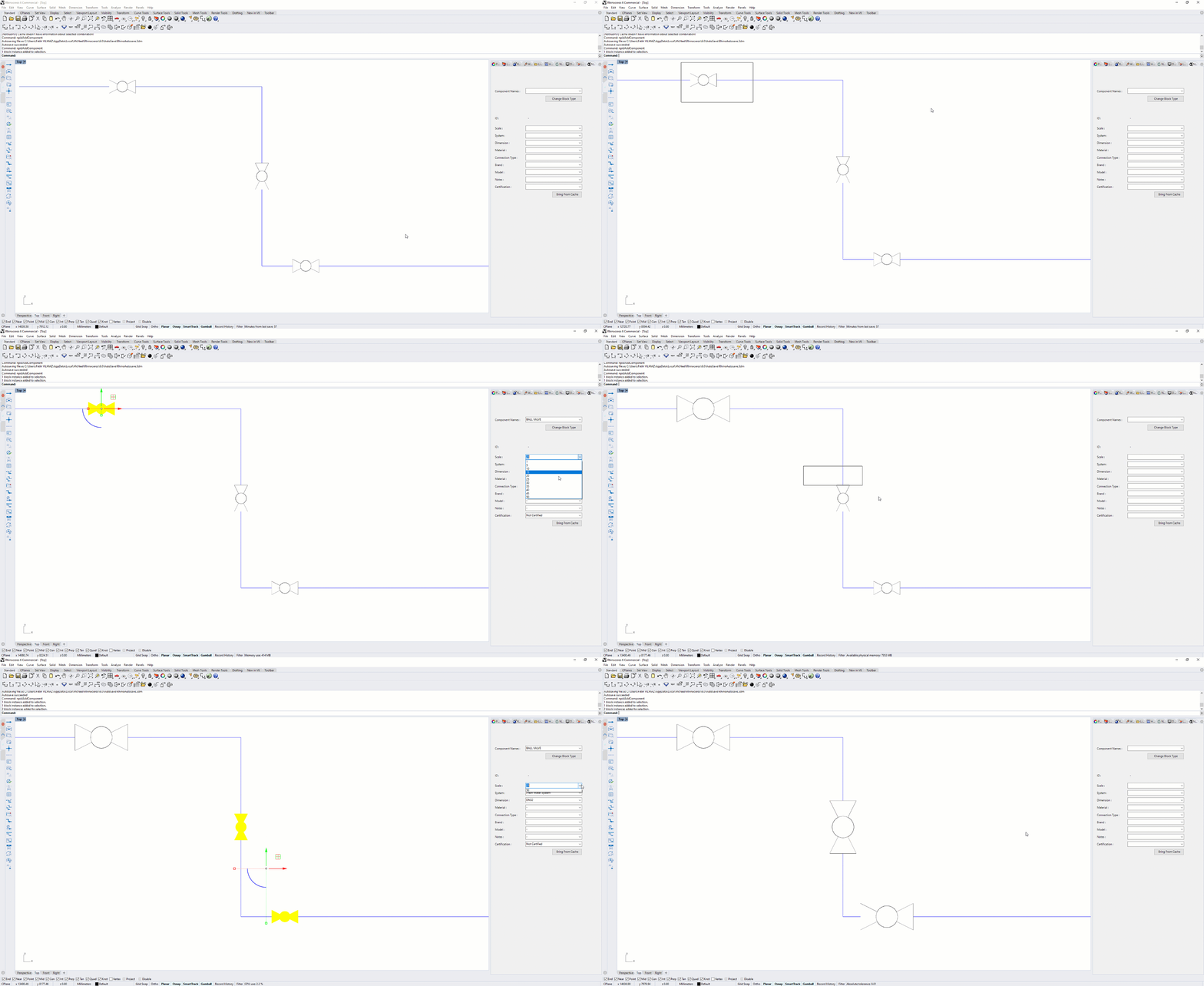
Adjust diagram scale and symbol sizes dynamically — reflow the layout for different sheet formats without redrawing.
Pick from the symbol library and place instruments, valves and lines — diagram takes shape without manual drawing.
Route pipe lines between components with automatic tag numbering — connection data feeds the BOM in real time.
Run dimension checks against the 3D model — catch mismatches and rescale the diagram for the target sheet format.
Generate the BOM and auto-legends, then issue the sheet directly from Rhinoceros — no re-entry into a separate tool.
A 15-day evaluation license is issued by the engineering team. Tell us about the vessel and the plug-ins you'd like to try — we reply within one working day.
P&ID diagrams are most powerful when the pipe layout already exists in 3D — bring in data from Piping and validate against Drafting outputs.

3D piping layout — P&ID symbols reference the live pipe routing data for fully consistent documentation.

Workshop drawings — issue P&ID sheets alongside general arrangement and structural drawings in one package.

Section views — slice through compartments to show instrument locations alongside the P&ID reference.