01 · Placement
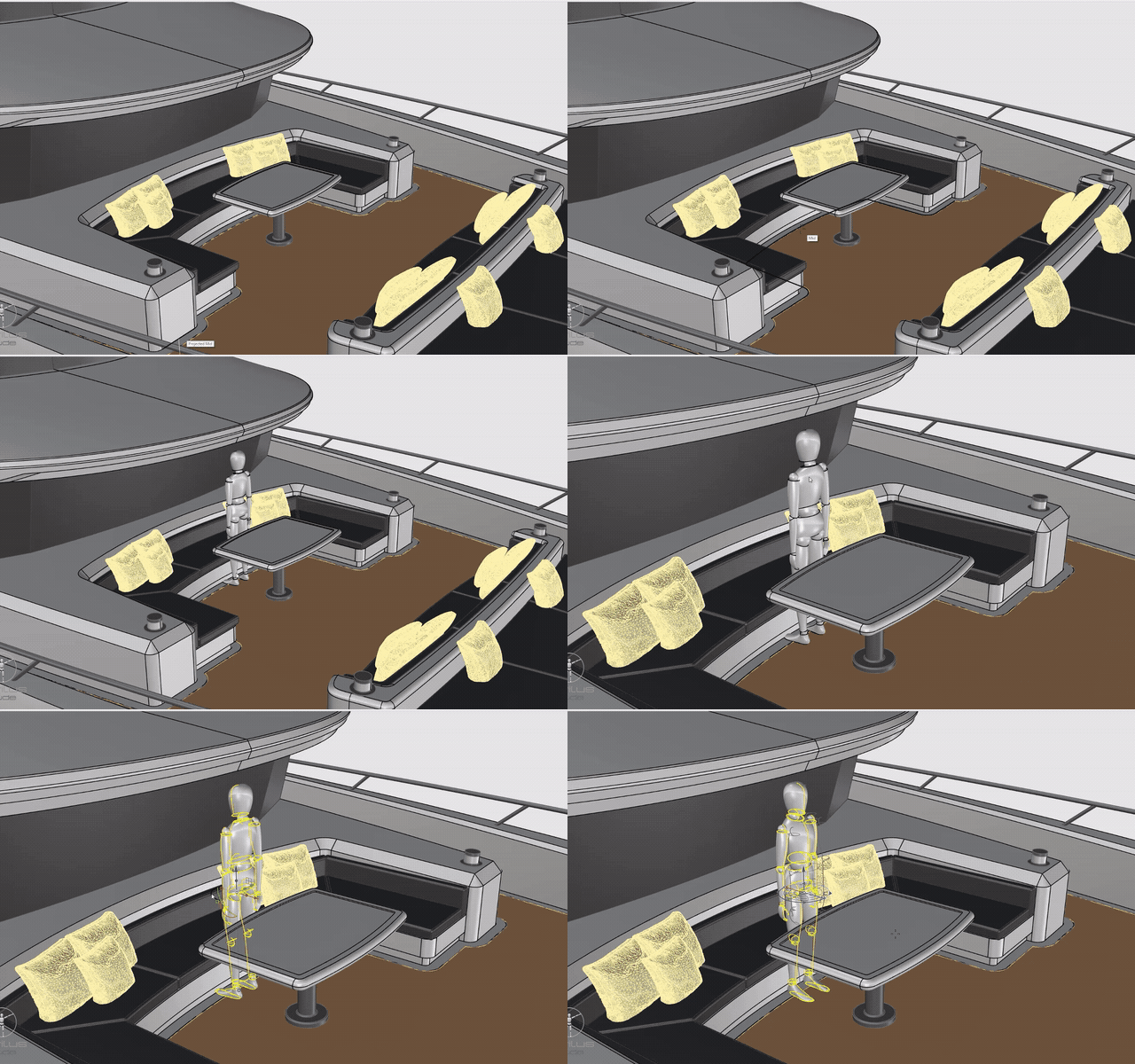
Pick a point. He is standing there.
The figure lands with his feet on the point you pick, at true human scale, as one grouped object. Place a whole crew — each one poses on its own.
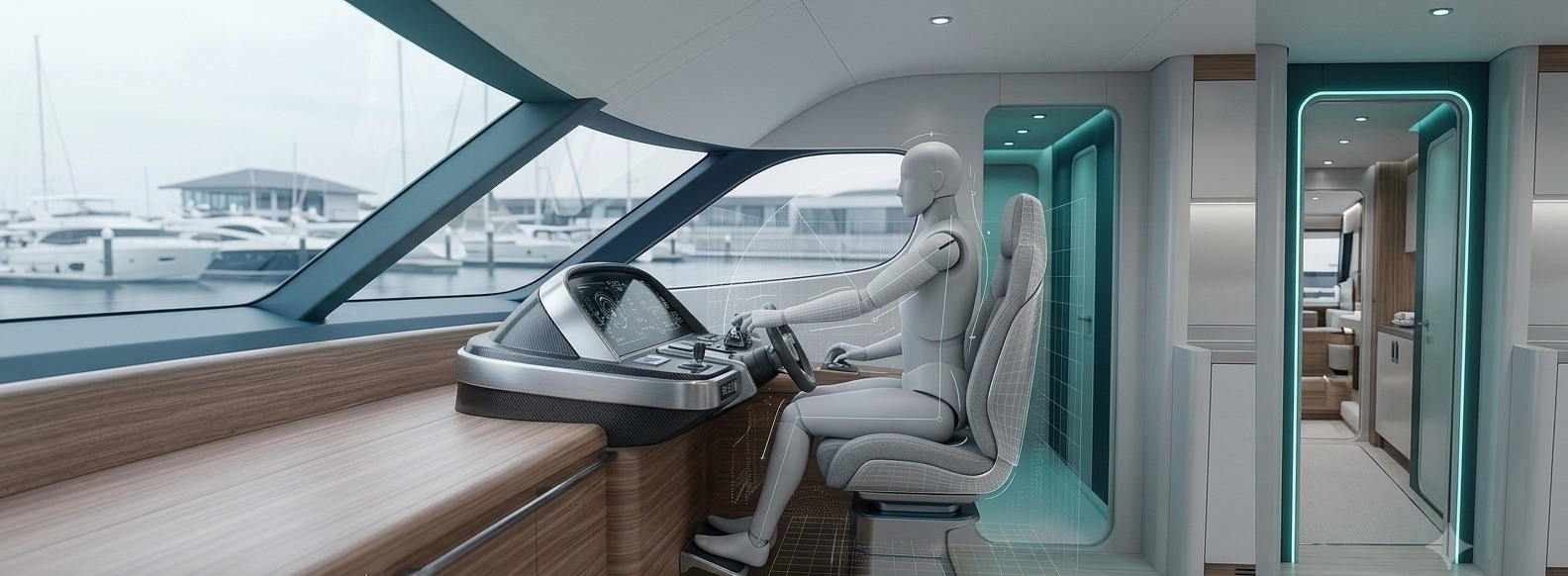
More than a scale figure now: Camera Mirror, new pose presets and a native Rhino 8 build. Click any picture to see it large.
The figure lands with his feet on the point you pick, at true human scale, as one grouped object. Place a whole crew — each one poses on its own.
Stand in front of any webcam and the figure follows your arms, legs, head and torso, live in Rhino. Nod to keep the pose, shake your head to drop it — nothing leaves your computer.
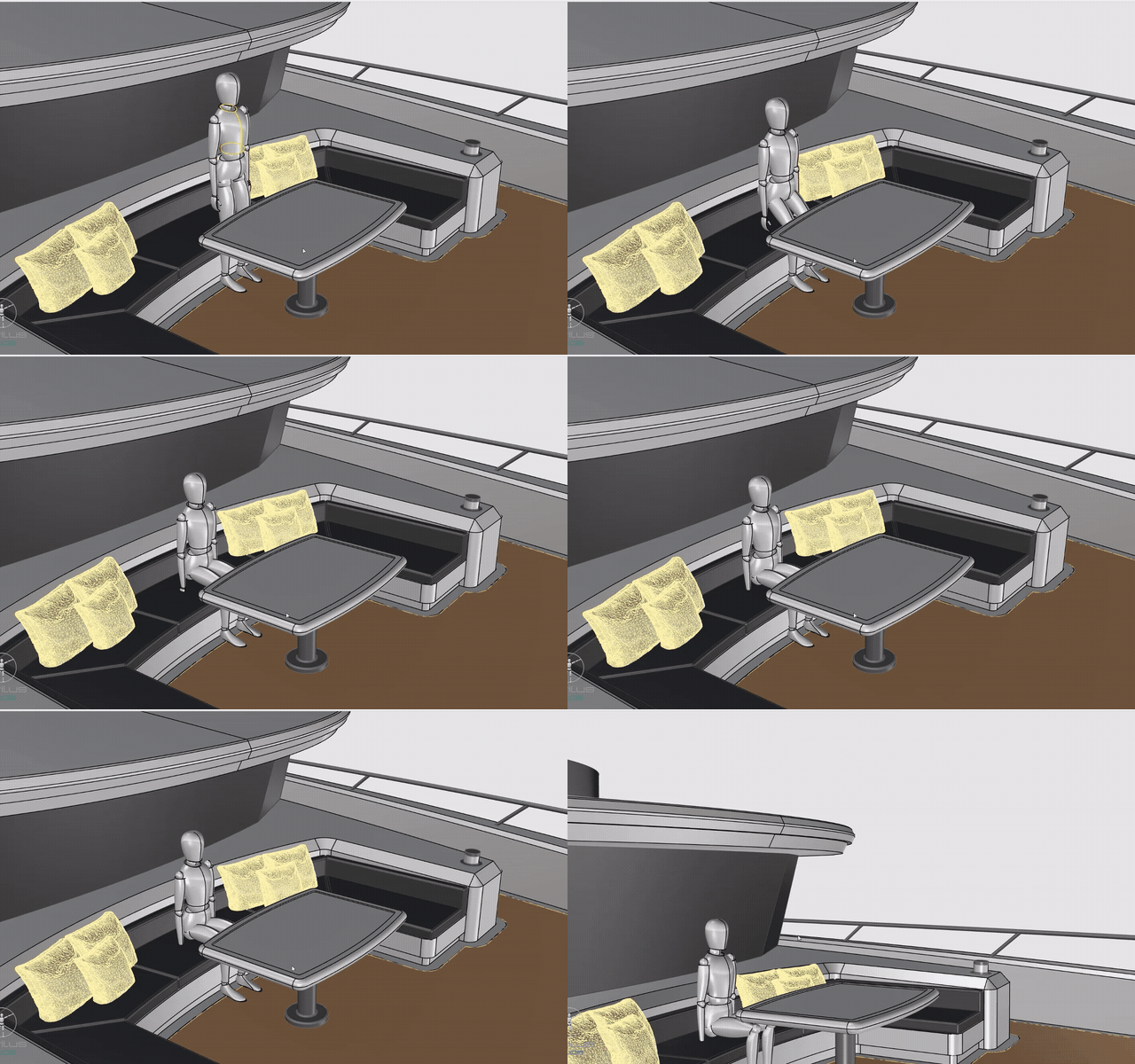
Hips and knees fold and the body lowers onto the seat in one smooth move. Run it again and he stands, back in his rest stance.
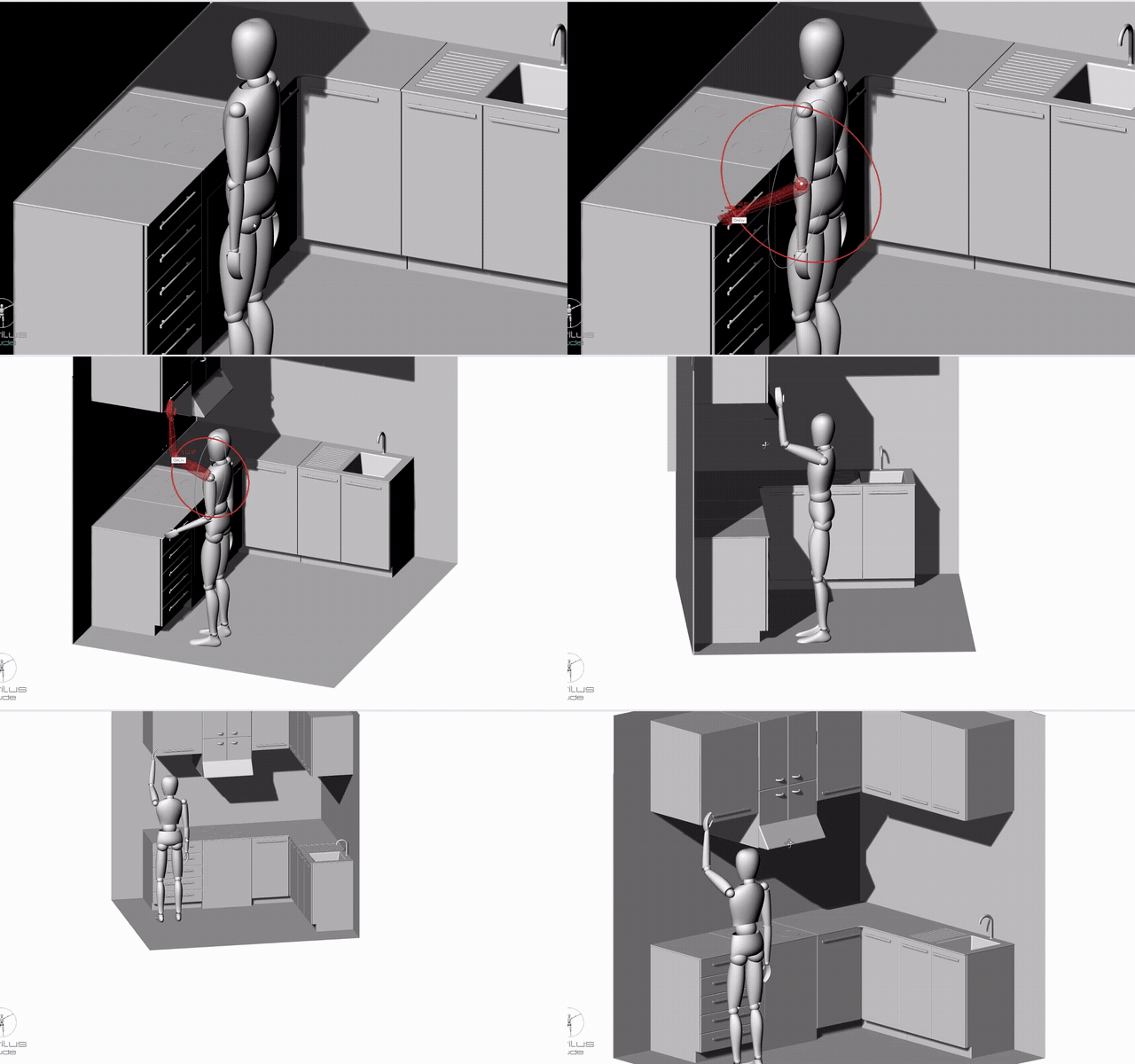
Swing an arm forward at the galley, the locker or the console and see where the hand lands — left, right or both arms.
Both arms open 90° to the sides — the reference stance for checking arm span between bulkheads and rails.
Hip, knee and ankle all bend and the foot goes as far forward as it rises — 190 mm by default, anything from 10 to 1000 mm.
The whole upper body leans forward from the hips — over a chart table, a bench or an open hatch. 30° by default, 5° to 90°.
A looping walk, arms swinging against the legs. Preview only — when you stop, the figure is back exactly as it was.
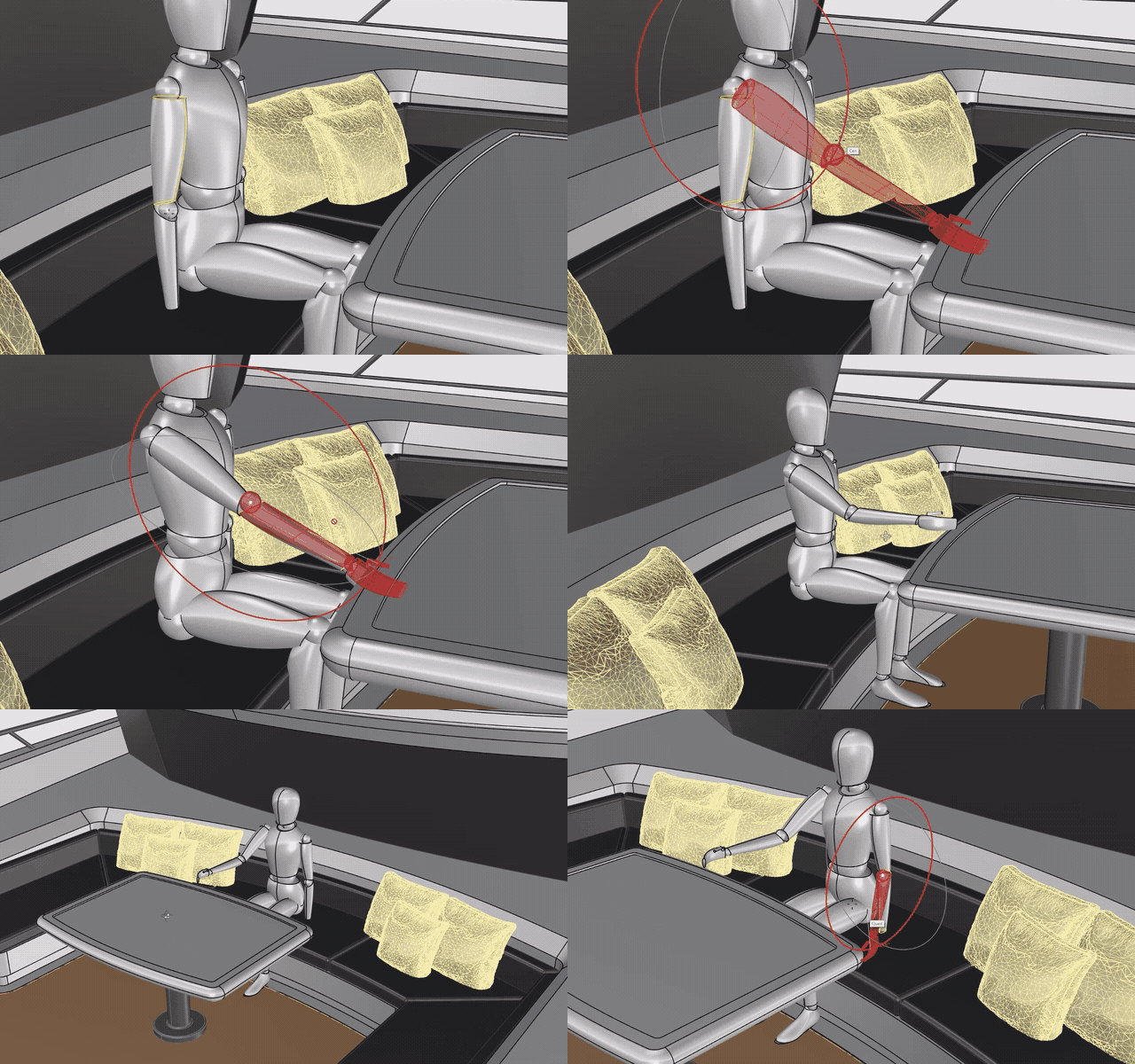
Click a limb and X, Y and Z rings appear at its joint, lined up with the body. Drag one or type an angle — Shift snaps to 5°.
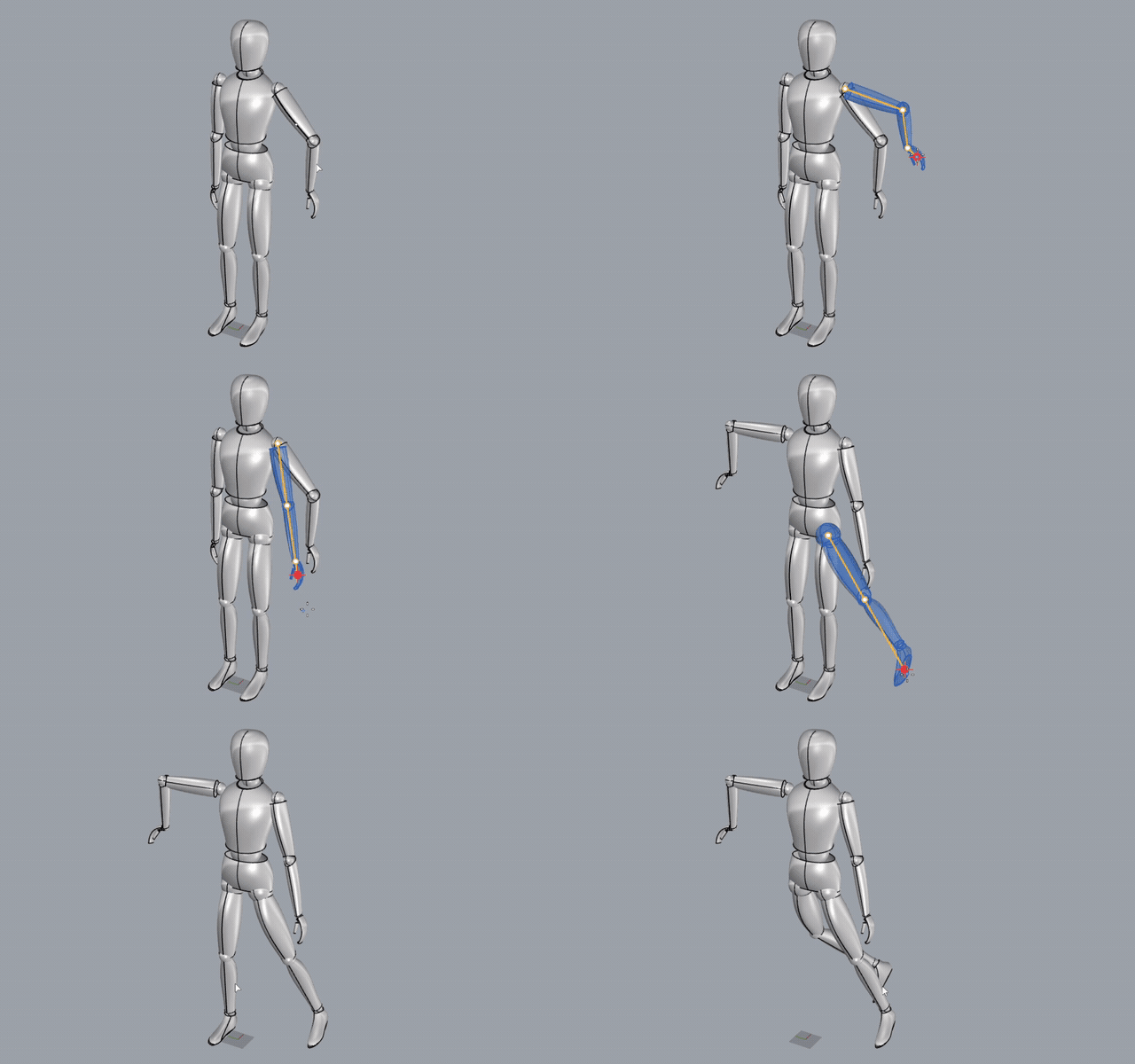
The whole limb bends to reach the cursor — shoulder, elbow and wrist — with a see-through preview. Every pose is one Ctrl + Z.
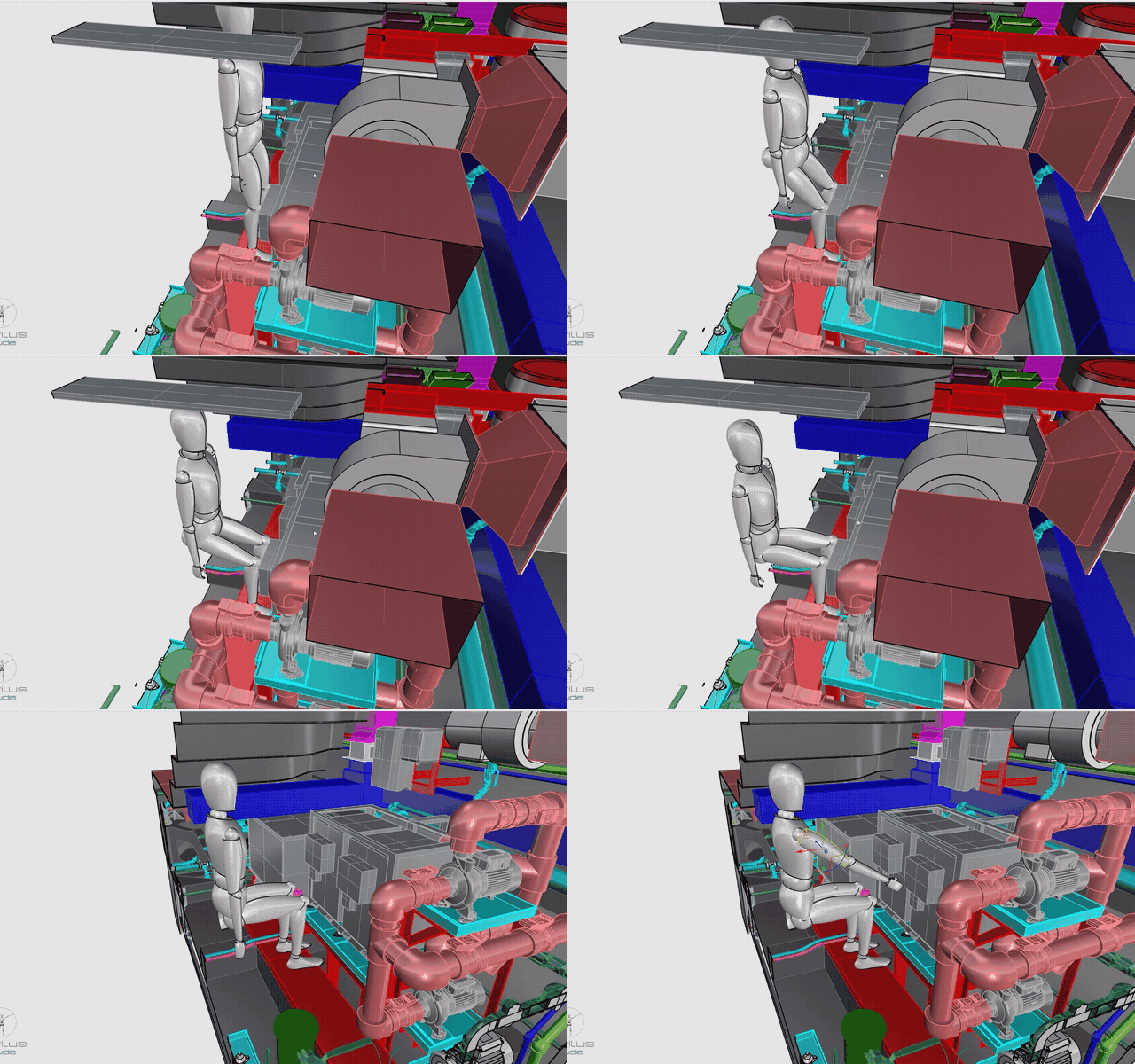
Stand him between the engines and pose him as a technician would — headroom, walkways and service access checked before anything is built.
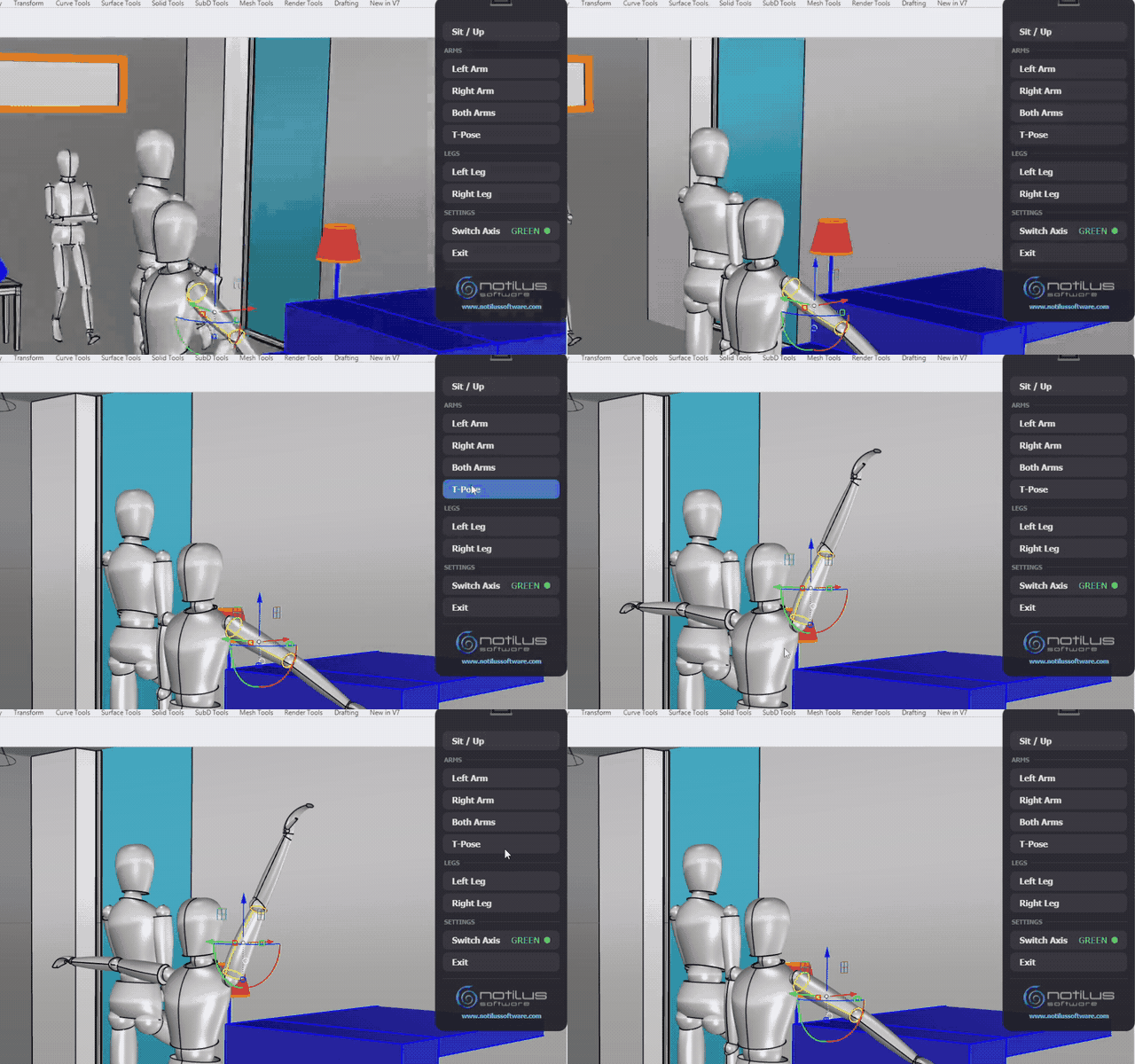
Click any part of the figure and the Dude panel opens beside the viewport — poses above, settings below, values right on the row.
Hull, interior, engine room, deckhouse — Dude works in whatever you have. No conversion.
A true-scale figure lands standing on it. Add as many as you need.
One click, a ring on any joint, a pulled hand — or your own body.
Seats, steps, worktops and sight lines — answered on the model.
Every pose is one Undo and is still there when the file reopens.
Download the 15-day trial and pose Dude in your own Rhino model. When you are ready, a perpetual license is €15 — one-time, no renewals.
Dude poses in whatever the other Notilus plug-ins model — the richer the vessel, the more there is to check with a person in it.
Design the steel hull, deckhouse and interior structure — then drop Dude in to see if a person actually fits and works there.
Open the hatch or the watertight door with Mechs, then step Dude through it — check the clear opening with a person in it.
Route piping and HVAC through crew spaces and engine rooms — pose Dude as a technician to verify service access.