
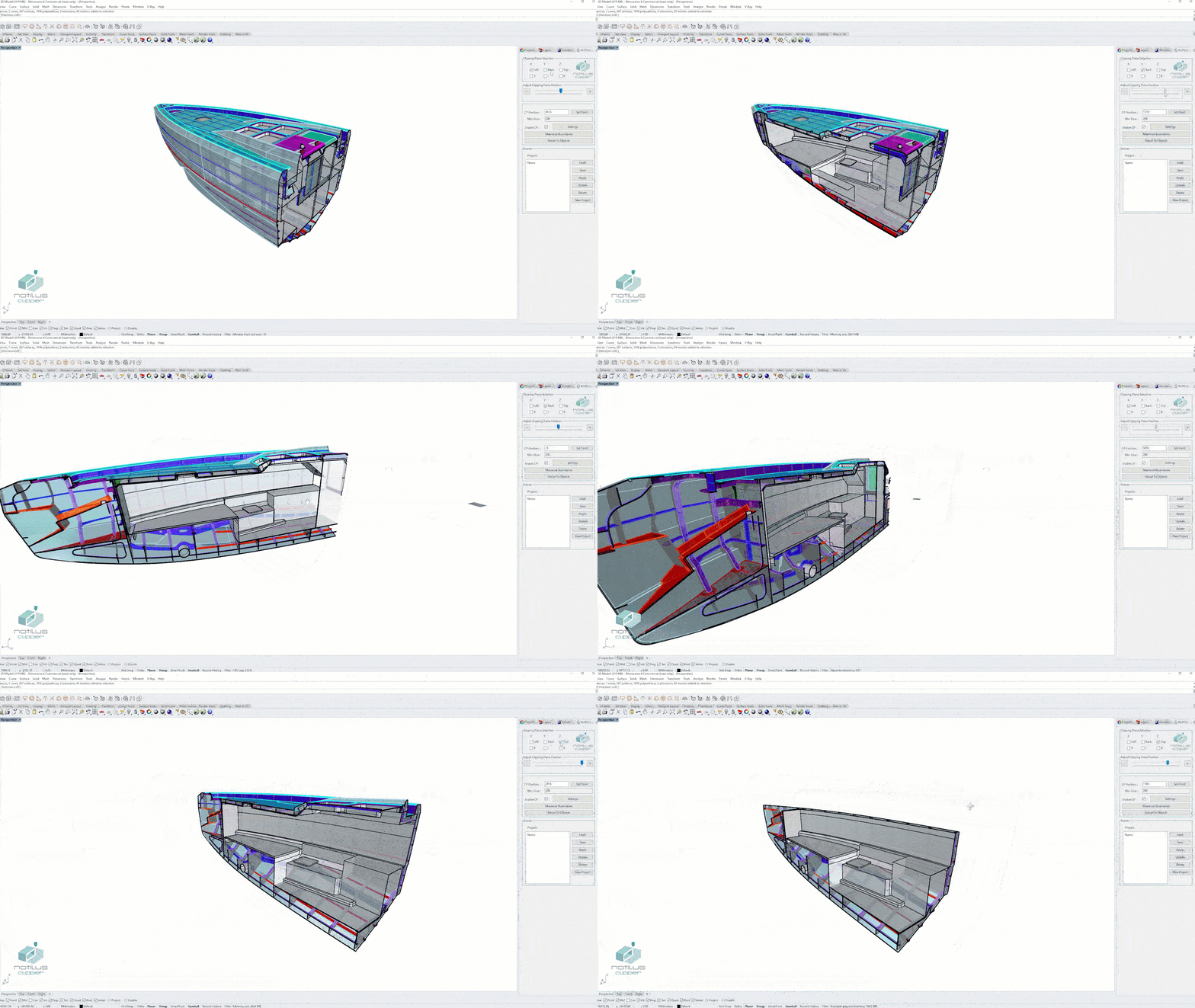
01 · Adjust
Rapid clipping plane adjustment
Move the clipping plane by point, location or slider — position can be set with a math expression for precision.
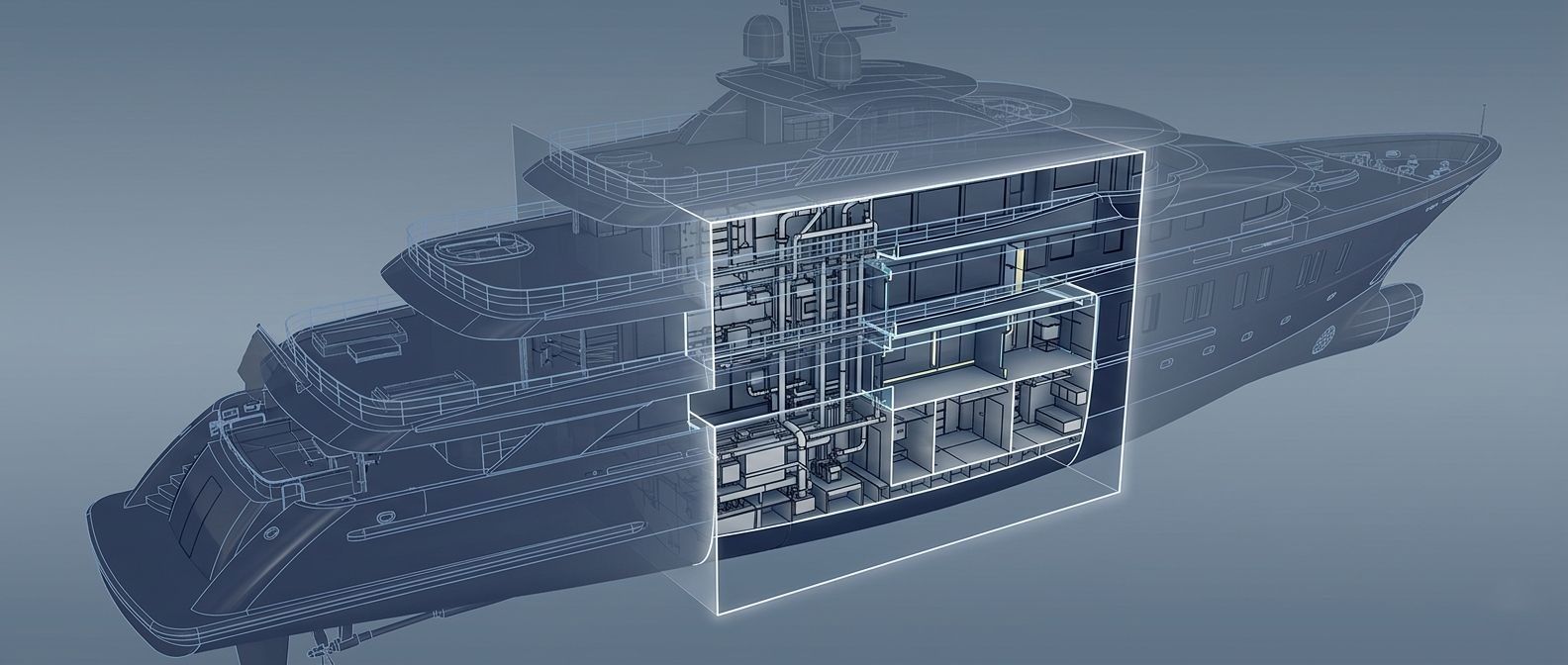
From rapid plane adjustment to saved scene libraries — pictured here as it runs natively inside Rhinoceros.
Move the clipping plane by point, location or slider — position can be set with a math expression for precision.
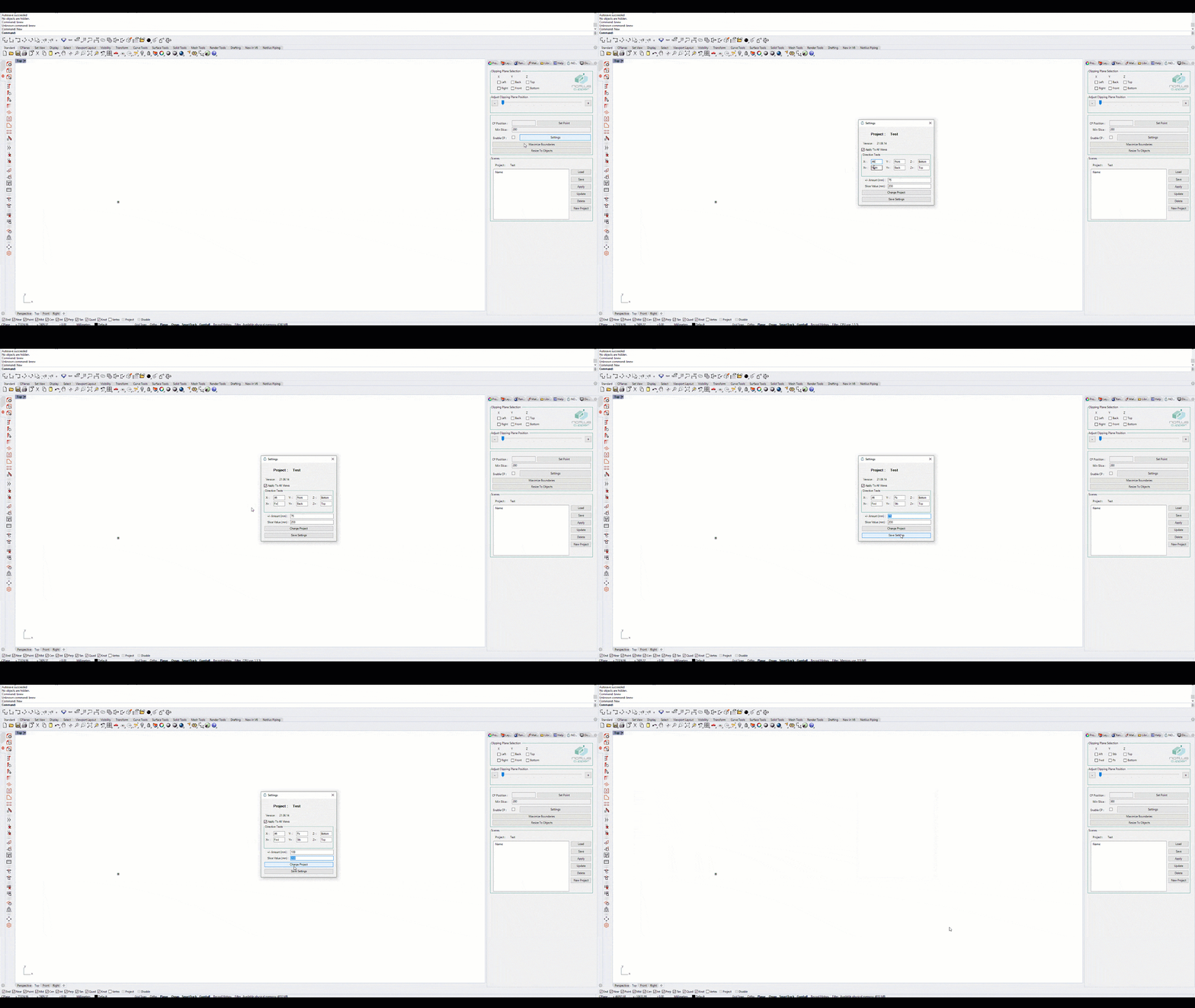
Axis names, slider step value, and minimum slice value can be customised from a single settings panel.
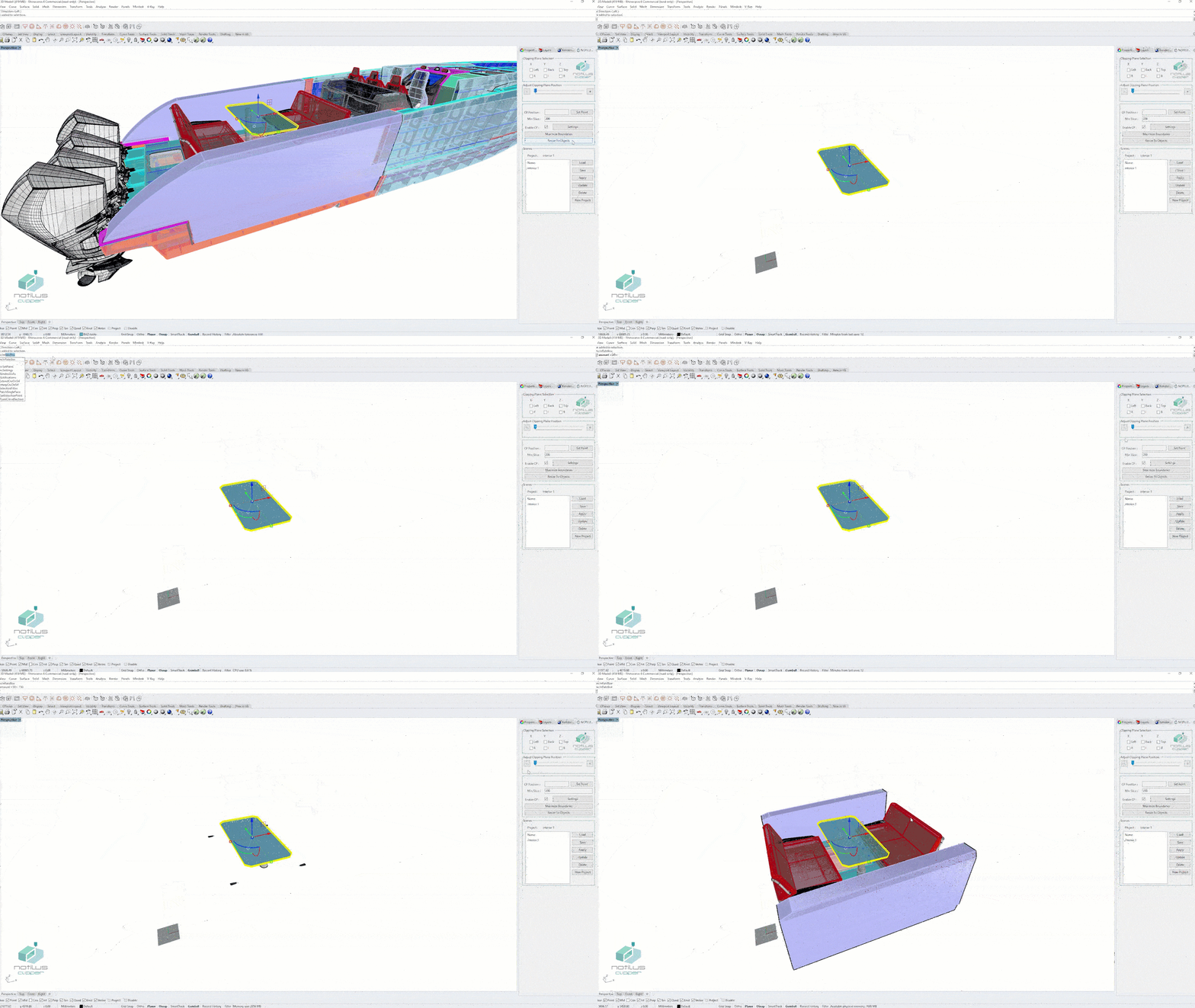
Clipping planes snap to selected objects — and scene boundaries can be enlarged or shrunk with one command.
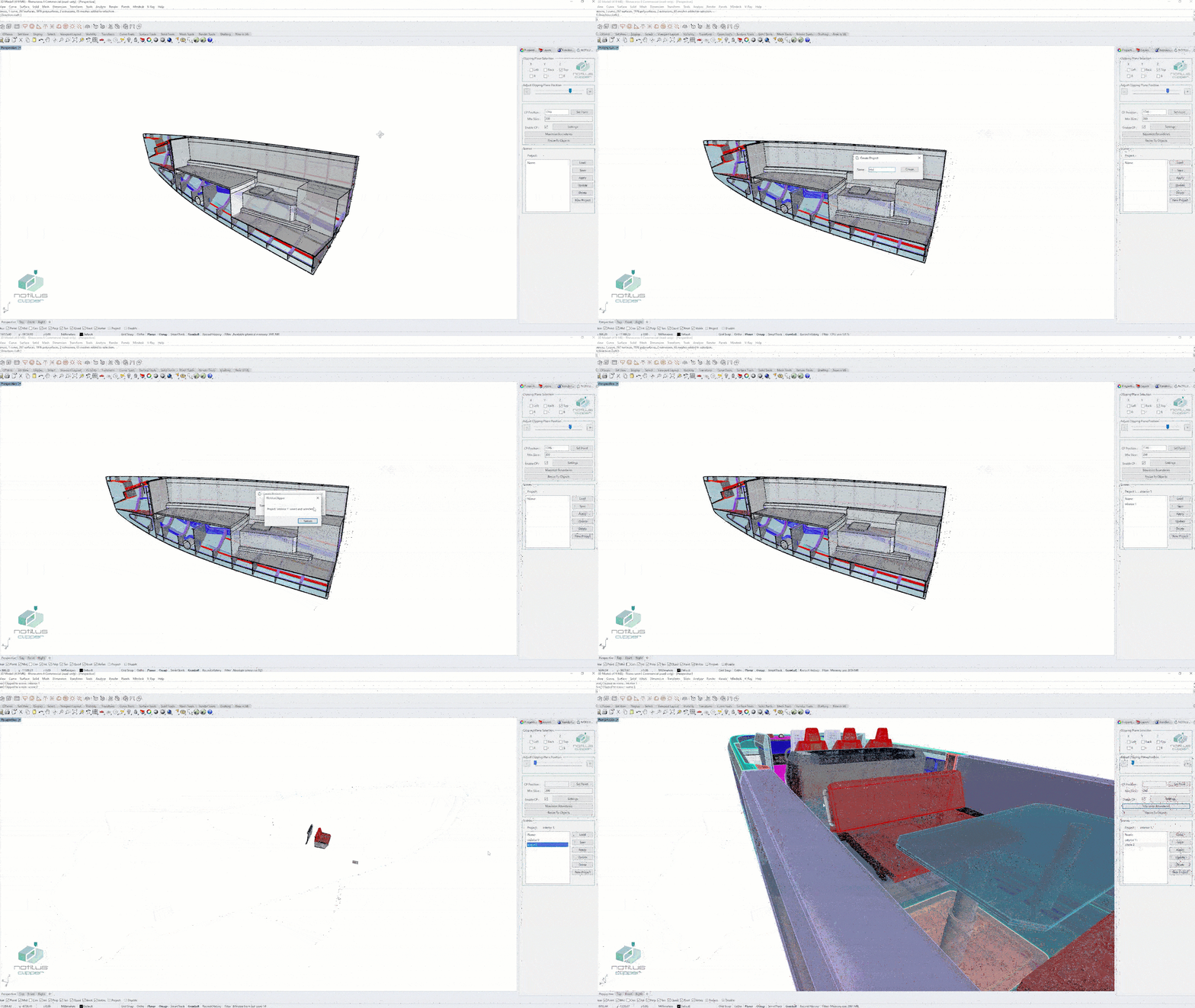
Save scenes per project, switch between them with a double-click — your section views are always one click away.
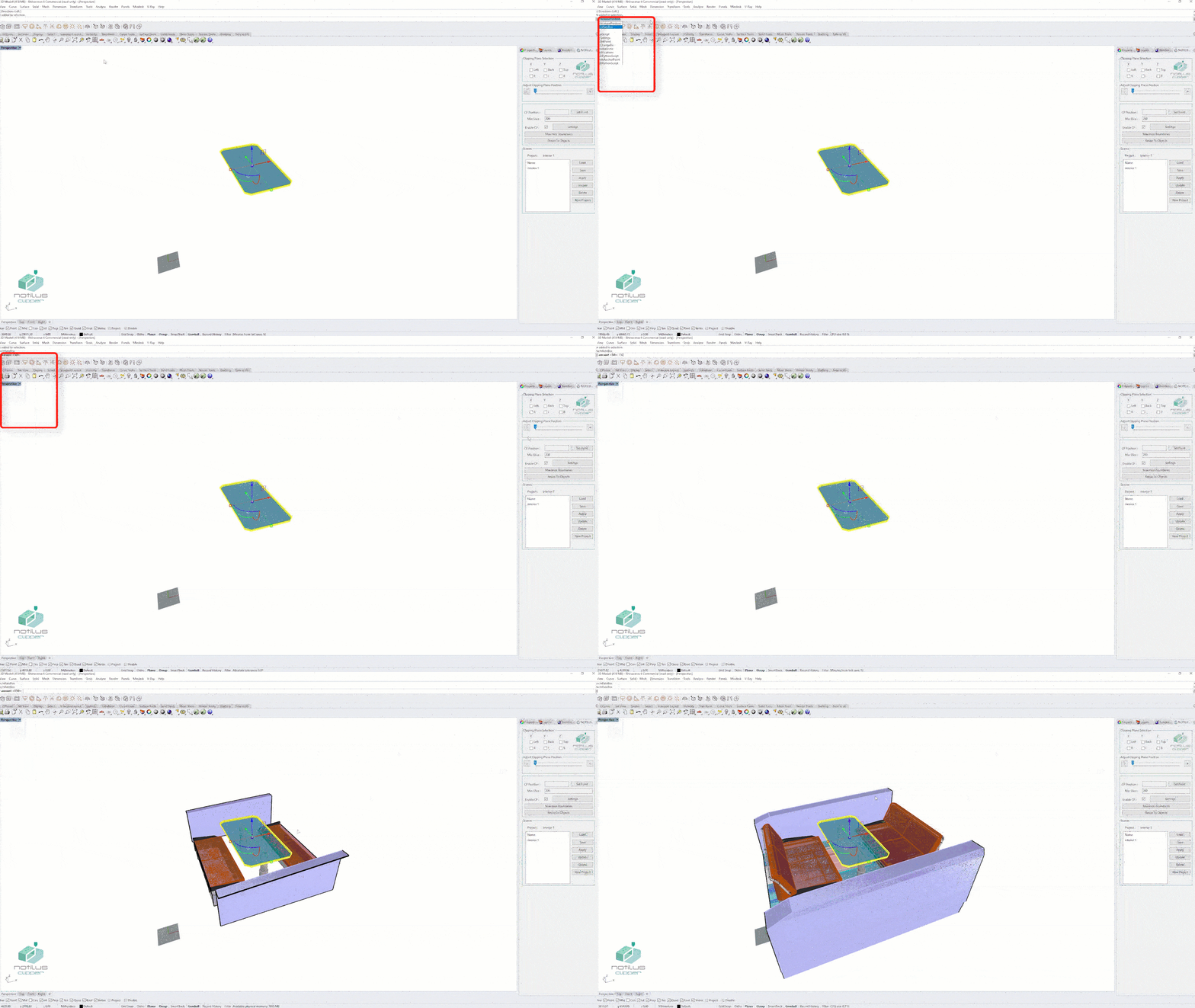
Every feature is reachable from the Rhino command line — keep your hands on the keyboard while you slice.
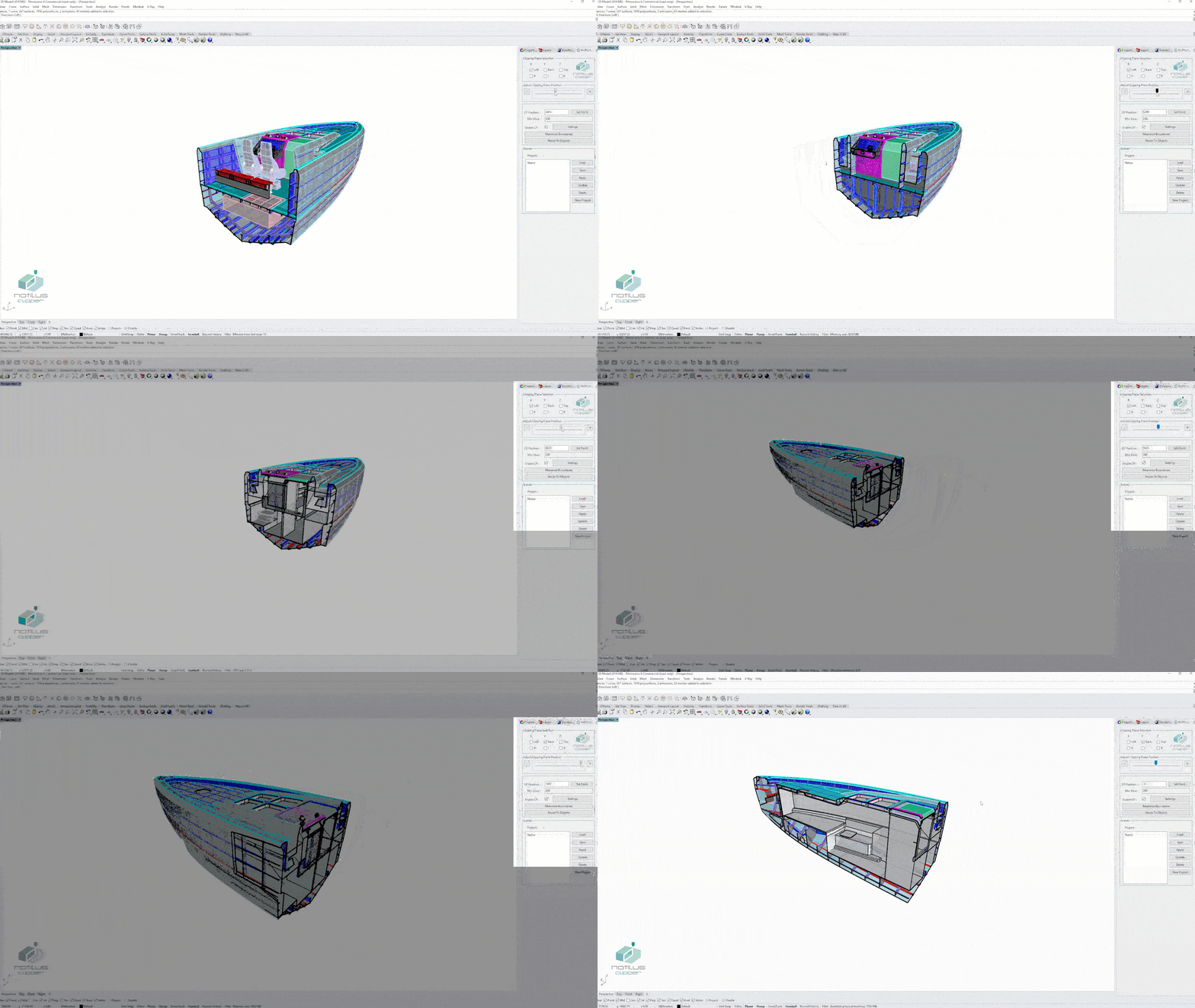
A single Rhino-native panel exposes every command and every saved scene — no nested menus, no relearning curve.
Section views generated through the full length of a yacht hull for design review and clash checking.
Multiple saved scenes through the engine room reveal piping, HVAC and structural relationships at every station.
A scene library per project — switch between section views during owner reviews with a single double-click.
See Notilus Clipper in real marine engineering workflows — section views, scene management and rapid adjustments across full vessel models.
Choose X / Y / Z and which side to clip — Left/Right, Back/Front, Top/Bottom — straight from one panel.
Drag the slider, click a point, enter a coordinate or type a math expression — the section snaps where you want it.
Save the clipped view as a named scene — frame, deck, section view, anything that needs to be revisited.
Double-click between saved scenes for instant section switches — perfect for design reviews and walk-throughs.
A 15-day evaluation license is issued by the engineering team. Tell us about the vessel and the plug-ins you'd like to try — we reply within one working day.
Notilus Clipper works with the full vessel model — the richer the geometry, the more useful the saved section scenes become.
Steel structure — clip through frame sections and blocks to inspect plates, profiles and connections.

Piping & HVAC routing — clip mid-deck to read pipe runs against the surrounding structure.
Workshop drawings — every Clipper scene is one click away from a fully dimensioned 2D section sheet.