 Notilus CFD
Notilus CFD
Ship resistance and free-surface analysis inside Rhino 8.
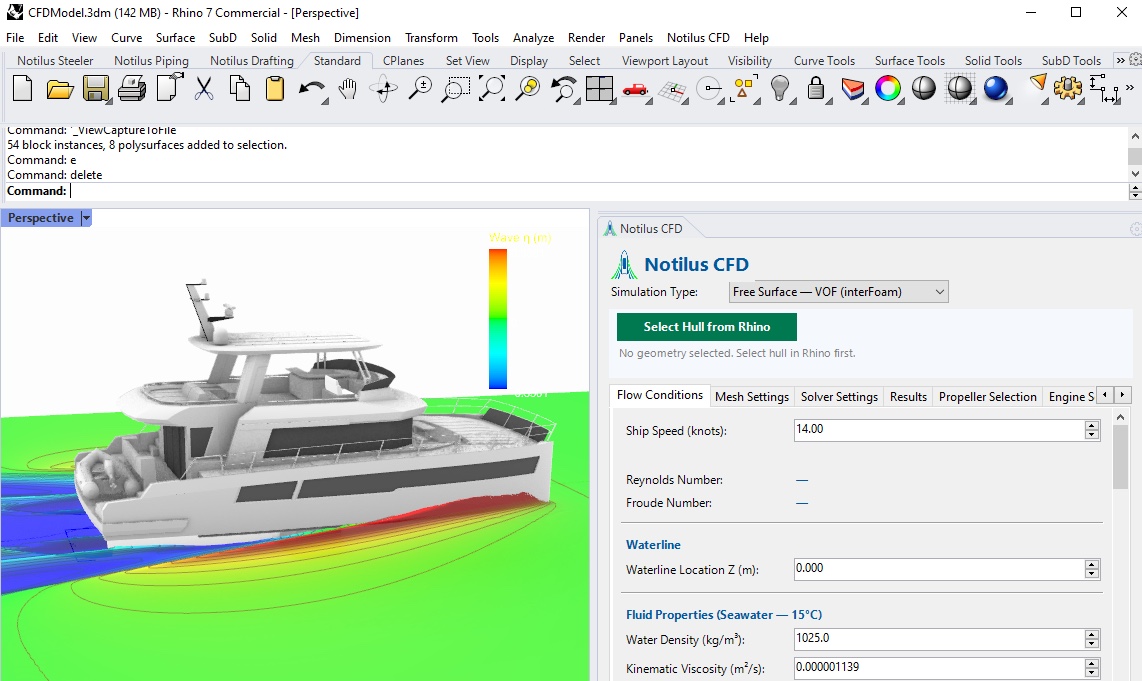
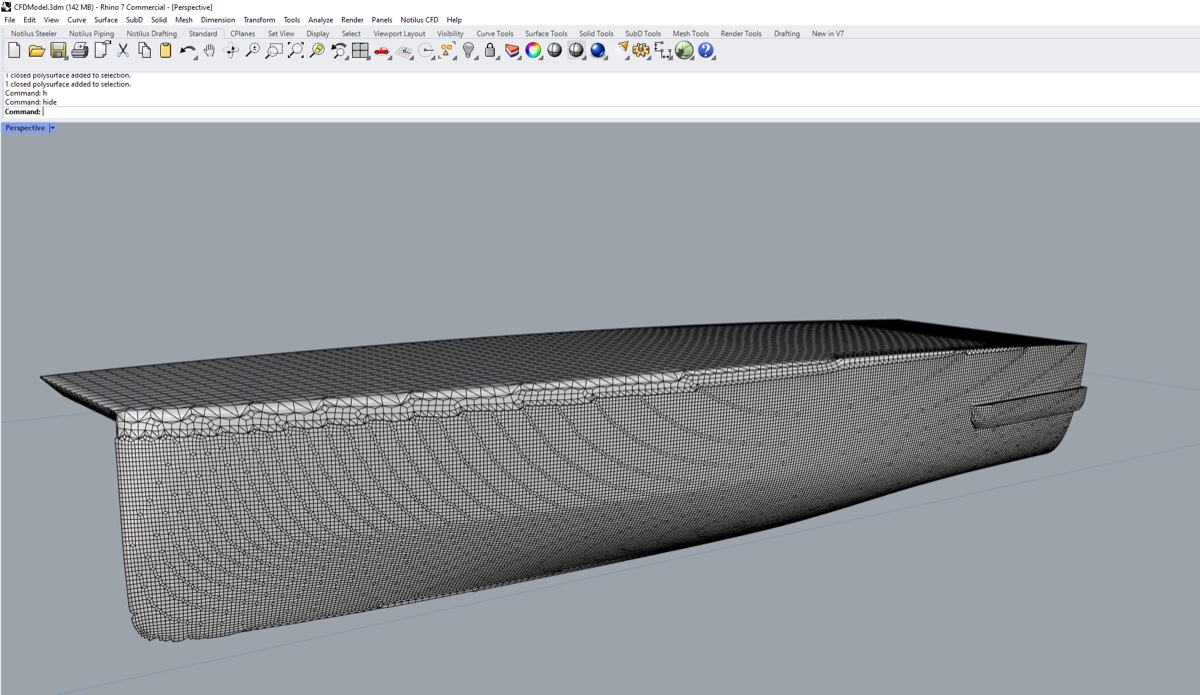
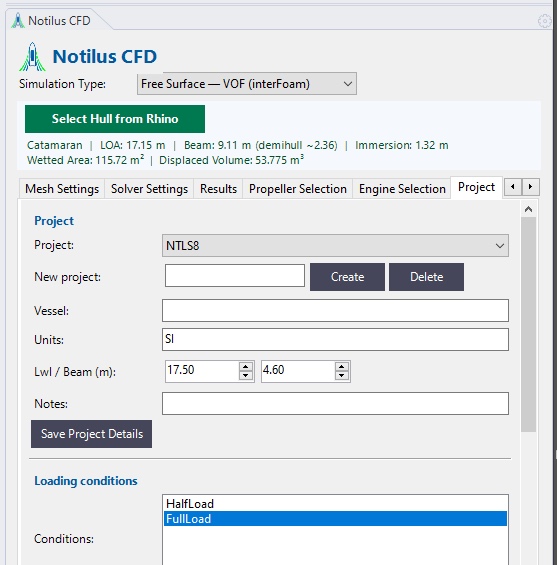
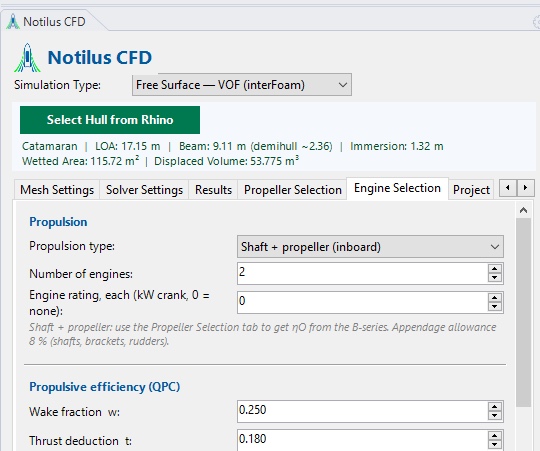
Notilus CFD gives you the calm-water resistance of the hull you modelled in Rhino. One panel takes you from hull selection to a resistance curve, a PDF report and a first propeller and engine check.
What you get
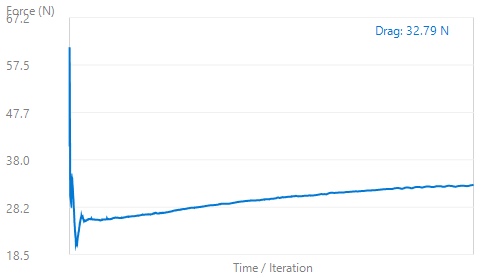
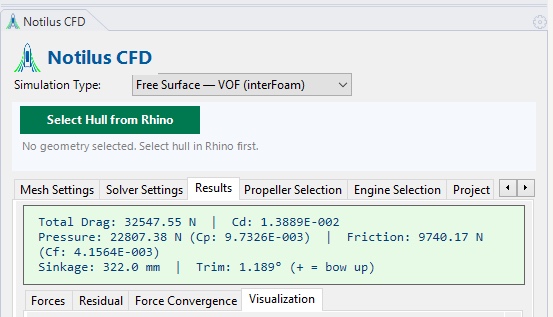
- Total resistance and effective power at each speed, with the pressure and friction split.
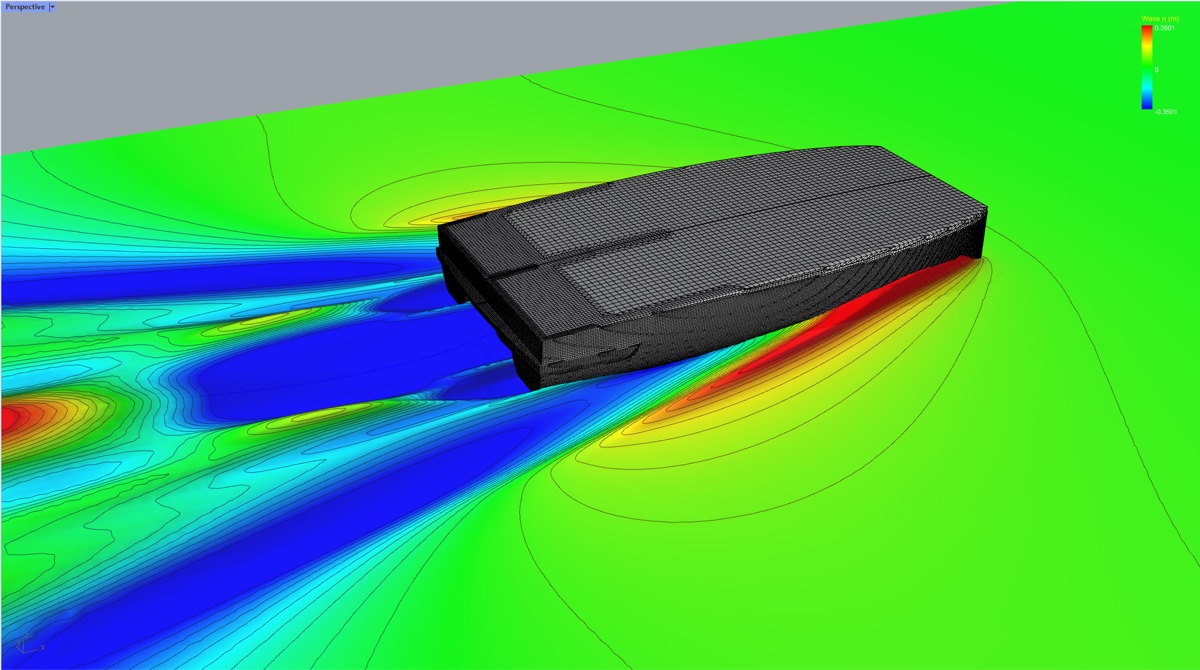
- The wave pattern around the hull, in the Rhino viewport.
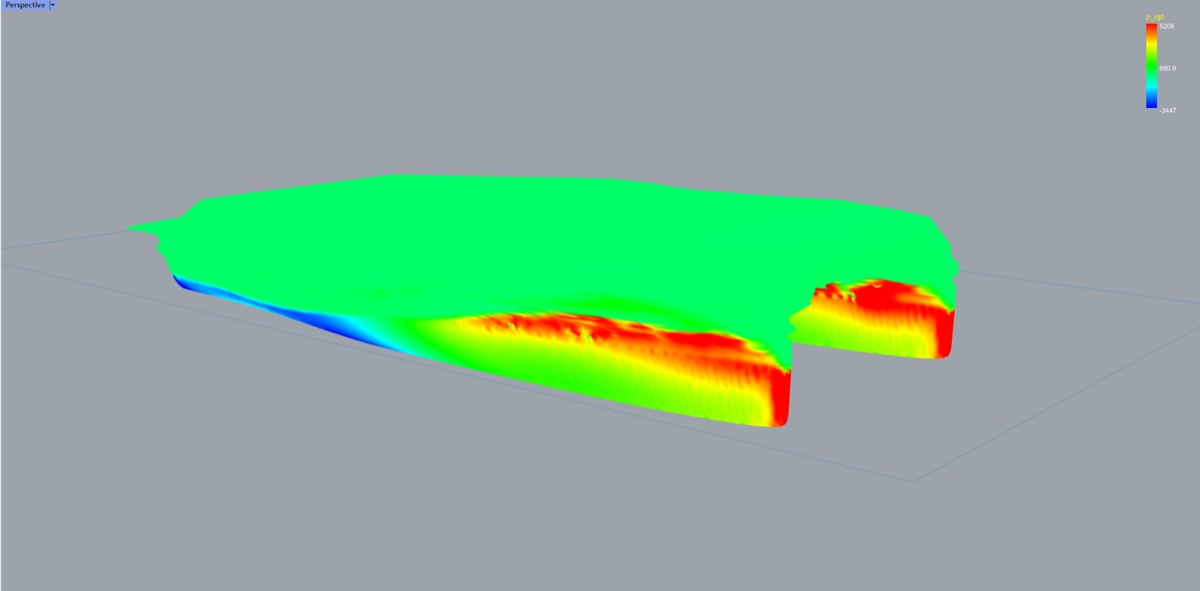
- The pressure distribution on the hull surface.
- Running trim and sinkage at each speed, as an indication.
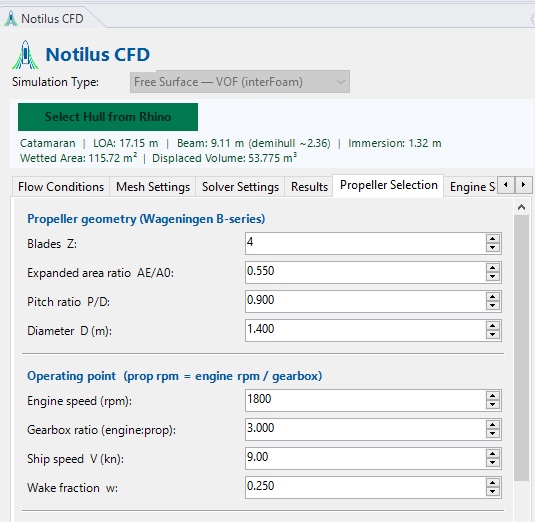
- Wageningen B-series open-water values for a first propeller pick.
- Delivered, brake and installed power, and the load on your engines.
- A PDF report of every loading condition and speed.
Before you start
You need Windows 10 (version 2004 or later) or Windows 11, Rhino 8 (version 8.20 or later), OpenFOAM v2412, which you install separately, and a Notilus CFD license. Installation walks you through it. Everything runs from one command, NcfdPanel.
In this guide
Trim and sinkage are an indication. Results from Notilus CFD do not replace towing-tank testing or naval-architecture certification.
Notilus CFD
Analisi della resistenza al moto e della superficie libera in Rhino 8.
Notilus CFD calcola la resistenza in acqua calma della carena che hai modellato in Rhino. Un unico pannello ti porta dalla selezione della carena alla curva di resistenza, a un report PDF e a una prima verifica di elica e motore.
Cosa ottieni
- Resistenza totale e potenza effettiva a ogni velocità, con la ripartizione tra pressione e attrito.
- Il sistema ondoso attorno alla carena, nella vista di Rhino.
- La distribuzione delle pressioni sulla superficie della carena.
- Assetto e affondamento dinamici a ogni velocità, come indicazione.
- Valori in acqua libera della serie B di Wageningen per una prima scelta dell'elica.
- Potenza erogata, al freno e installata, con il carico sui motori.
- Un report PDF con tutte le condizioni di carico e le velocità.
Prima di iniziare
Ti servono Windows 10 (versione 2004 o successiva) o Windows 11, Rhino 8 (versione 8.20 o successiva), OpenFOAM v2412, da installare a parte, e una licenza Notilus CFD. La sezione Installazione ti guida passo per passo. Tutto si avvia da un solo comando, NcfdPanel.
In questa guida
Assetto e affondamento sono un'indicazione. I risultati di Notilus CFD non sostituiscono le prove in vasca né la certificazione di architettura navale.